
Regulation 28
Enforcing Regulation 28 can be set on a Custodian and would apply to all Products link to the Custodian
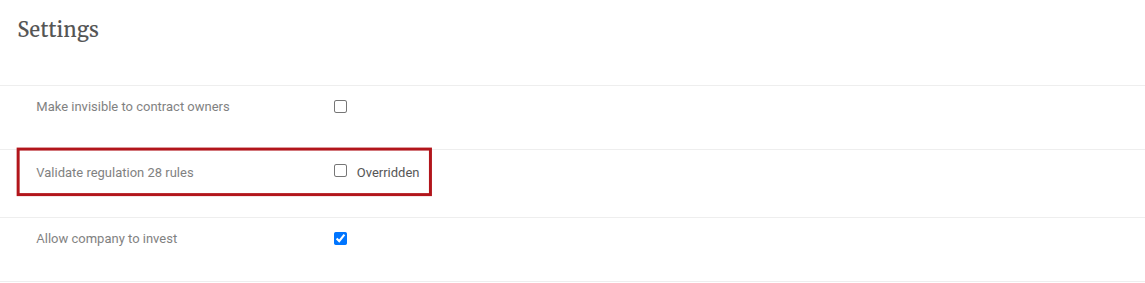
On the Custodian Card, under the Settings section select the Validate regulation 28 rules tick box and save

This setting on the Custodian can be overridden on a Product linked to the Custodian
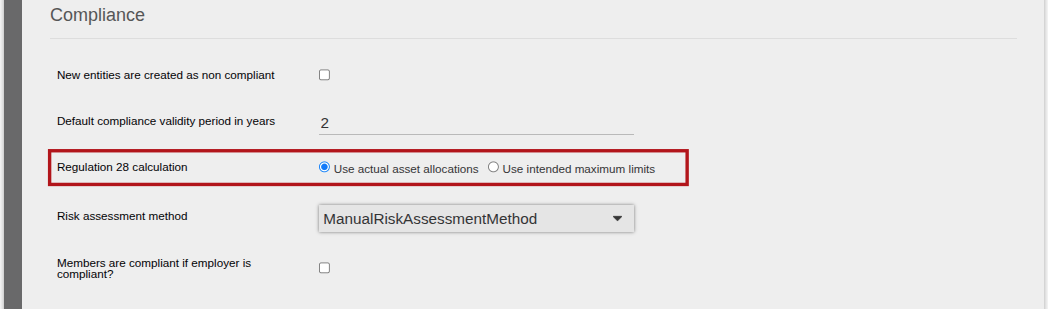
 On System, Configuration, under the Compliance section, update the ‘Intended maximum limits’ or ‘Actual asset allocation’ to be used for Regulation 28 calculations
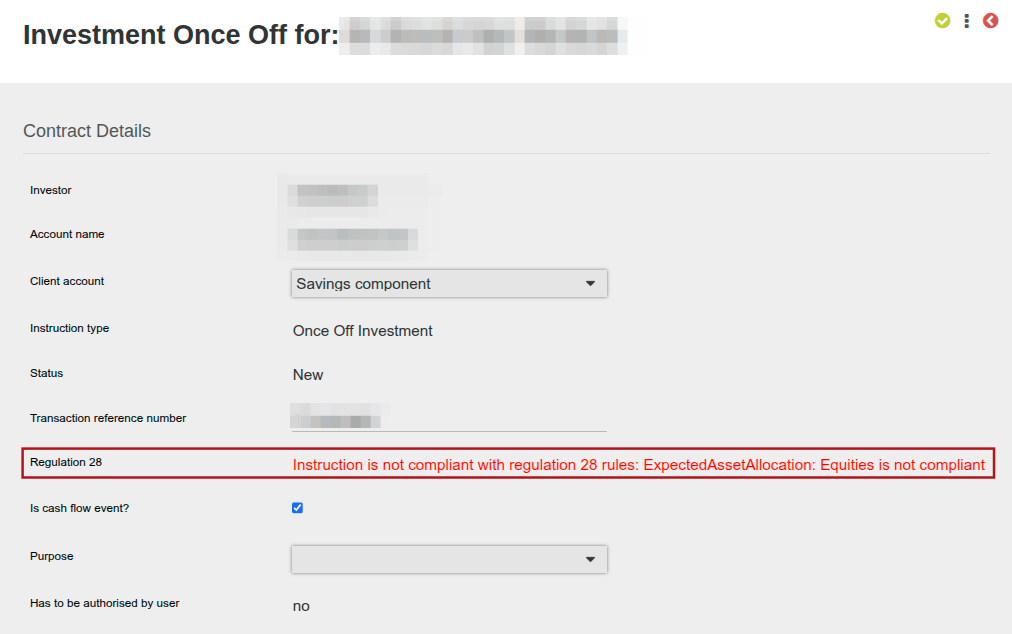
If the instrument selection on an instruction does not comply with the Regulation 28 maximums as set in the Asset Classes, a warning message will be displayed and the instruction cannot be submitted.
Similarly, if an instrument selection on an instruction is submitted via an API user, the instruction will be created if the status is set to ‘New’ and a warning will be displayed on the user interface as per the below example. The instruction can be viewed on the user interface however it cannot be submitted until the fund selection is updated to be Regulation 28 compliant.
If the status is set to ‘Submitted’ or ‘Authorised’, an error will be returned on the API call and no instruction will be created.
Where applicable Regulation 28 validation will also be applied to instructions on Quotes.
To view the ‘Instruction’s Asset Allocations’ and ‘Expected Asset Allocations’ details, click into the Regulation 28 warning link on the Instructions screen. These sections were previously displayed as sections on the Instructions screen, and were moved to a separate screen in the August 2026 release.
When an instruction is imported under Investors->Import Instruction or Bulk processes->Upload instructions, the same regulation 28 validation is performed.
NOTE: On recurring instructions (recurring investments and recurring withdrawals) the regulation 28 validation is done on the first recurring instruction as explained for other instructions above. The regulation 28 validation is not done on subsequent recurrences except where a recurring is rejected and then submitted and authorised again.
Also see:
Asset Allocation on CIS – Intended Maximum Limits
Asset Allocation on CIS – Actual Asset Allocations
Last Updated on 1 month ago by Hayley Jerram