
Import Asset Allocation Figures
From the Main menu select: Instruments -> Asset Classes -> More Actions
The following options are available:
- Import Finswitch Asset Allocations
- Import Morningstar Asset Allocations
The process for both these options are similar

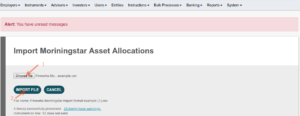
Select and Import the file
See example of the import formats:
Finworks Morningstar import format example
Finworks-Morningstar-import-format-exampleExcel
The system try to match the ticker – or the ISIN number in the import file to the Instrument code in the system. If it does not exist in the system, the import line is ignored.
Note: Ensure the Asset Classes are setup and the Import name is the same as the Column name in the import file. If the system cannot find the asset class in the system, the column in the file is skipped.
Last Updated on 6 years ago by Antoinette Van Meyeren