
Create an Instrument Certificate
An Instrument Certificate for Bonds and Shares can be created once an investment instruction is confirmed.
Read more with regards to confirming an Investment Instruction
The parameters of the Instrument Certificate are set on the Custodian and the Instrument level as outlined below:
Custodian parameters
From the main menu select (1) System -> Custodians, select the Custodian for the Instrument you need to set up an Instrument Certificate for.

Select the (1) More Details on the Custodian card
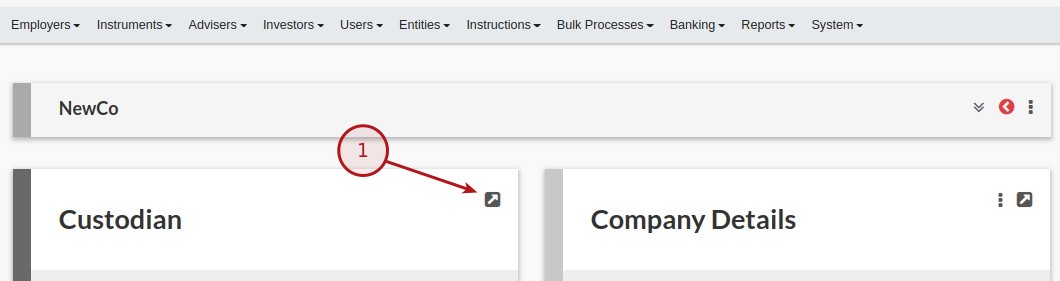
Scroll down to the certificate section on the Custodian, the following fields are available:

- Regulatory registration number
- Financial service provider number
- Regulator
- Issue place
Instrument parameters
An Instrument Certificate is only available for Bonds and Shares, the example will be using a Bond
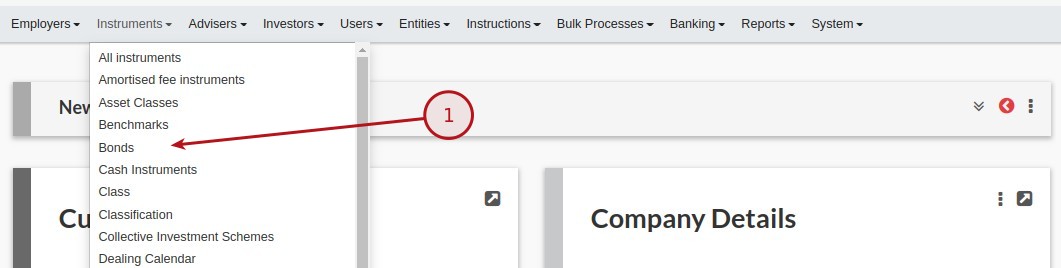
From the main menu select (1) Instruments -> Bonds, select the Bond you need to set up an Instrument Certificate for.
Select the (1) More Details on the Certificate Details card
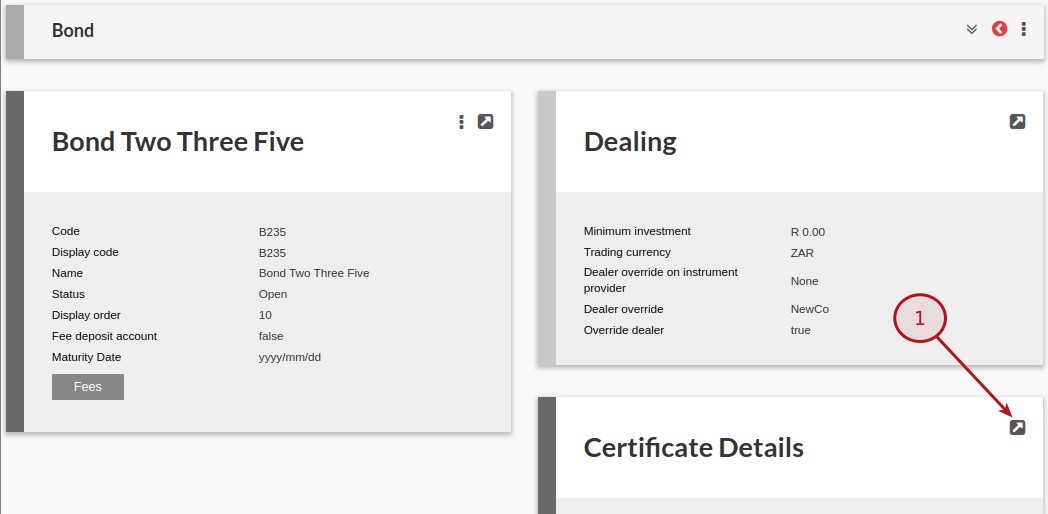
The following fields are available:

- Generate investment certificate
- Certificate name
- Certificate text
- Has linked loan
Instrument Certificate
To access the Instrument Certificate navigate to the investment instruction, (1) Investor Account -> Active Instruction -> More Details and from the All Instructions card select the transaction date

On the Instruction card select the (2) Documents option from the (1) More Actions menu

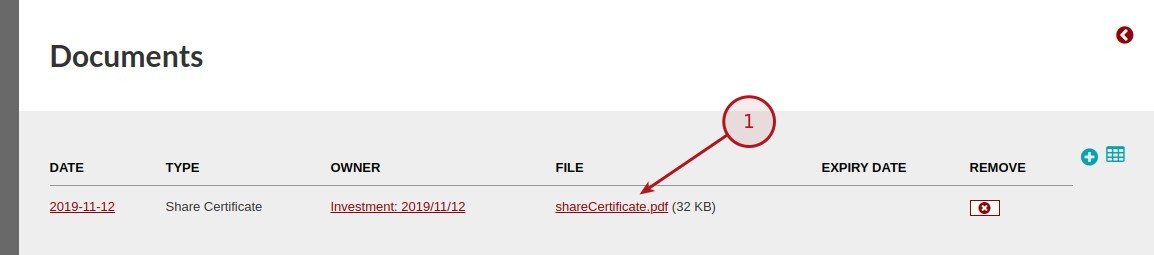
By selecting the link on the file heading you will be able to download the Instrument Certificate
Last Updated on 6 years ago by Antoinette Van Meyeren