
Adding an Adviser
Also see Import or update Advisers
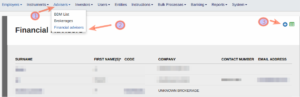
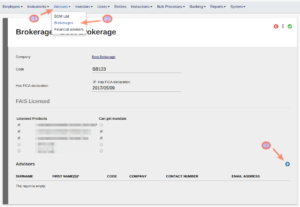
Advisers can be added from the Adviser menu under Financial Advisers or Brokerages
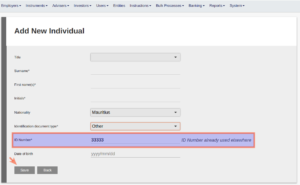
Should you complete the identification number for a person who already exists in the system, a message to that effect will be displayed upon saving. Selecting ‘Save’ again will complete the person’s personal information already on the system and allow you to proceed to create an Adviser role for the person. If the person does not yet exist on the system, complete the required information and ‘Save’.
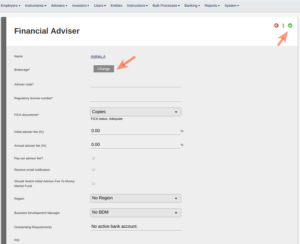
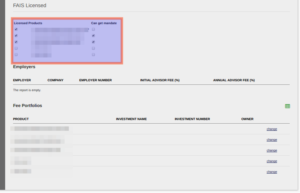
Link the Adviser to a Brokerage and complete other information, including FAIS Licensing and Mandates and ‘Save’
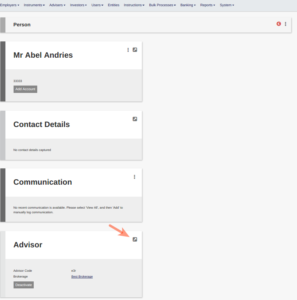
Access the Adviser again through his/her Advisor Card
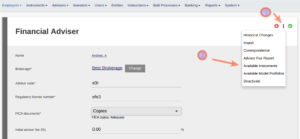
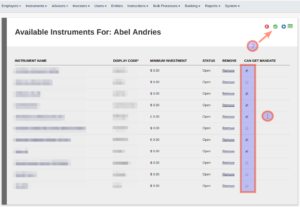
Go to Available Instruments to update the Adviser’s Instrument Mandates
Last Updated on 3 months ago by Antoinette Van Meyeren