
Archive contracts
Individual contracts can be archived, if the contract has zero units and there are no active instructions on the contract.

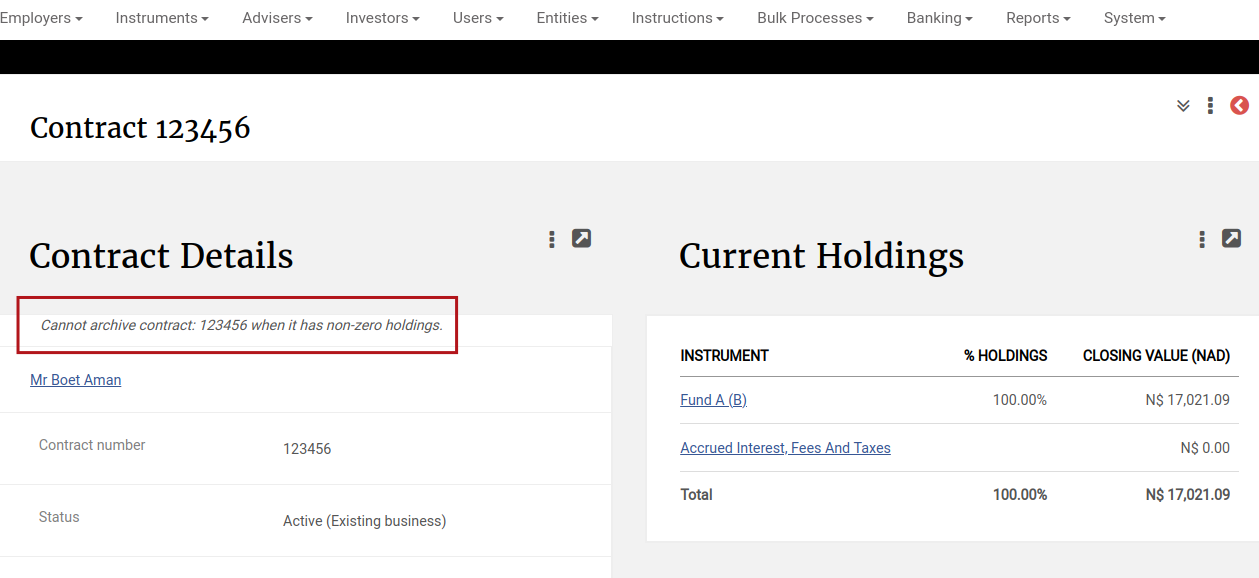
Should the contract still contain holdings or active instructions a screen message will be displayed and the contract can only be archived when the requirements are met.
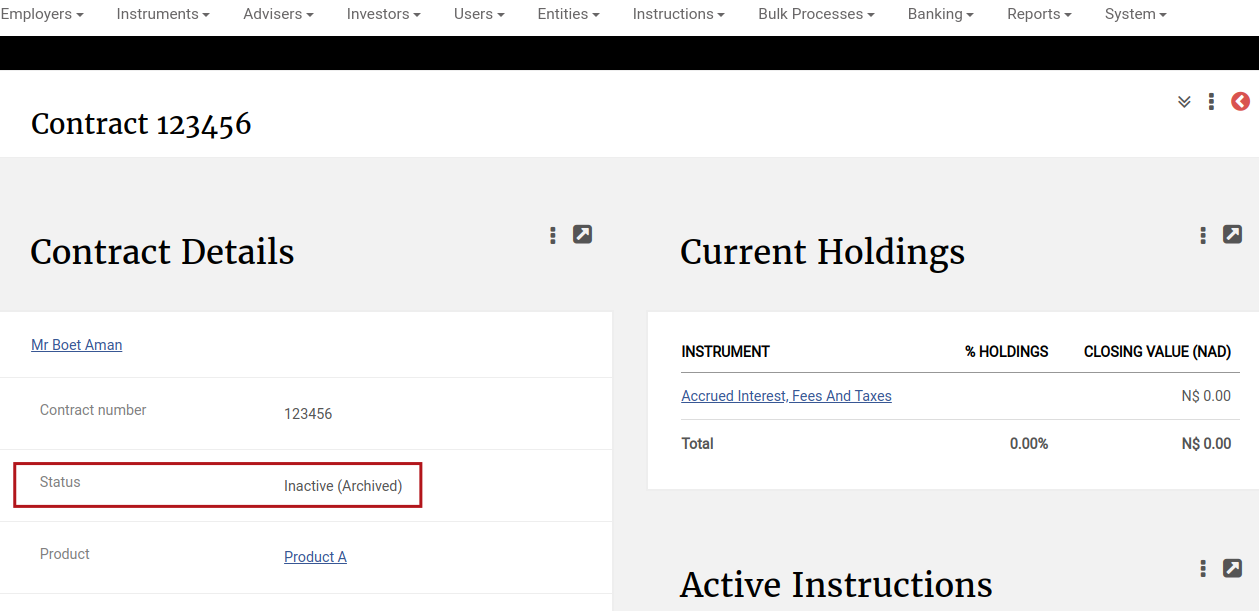
When a contract is archived, the status of the contract will change to ‘Inactive (Archived)’
Archived contracts can be viewed under the Reports main menu
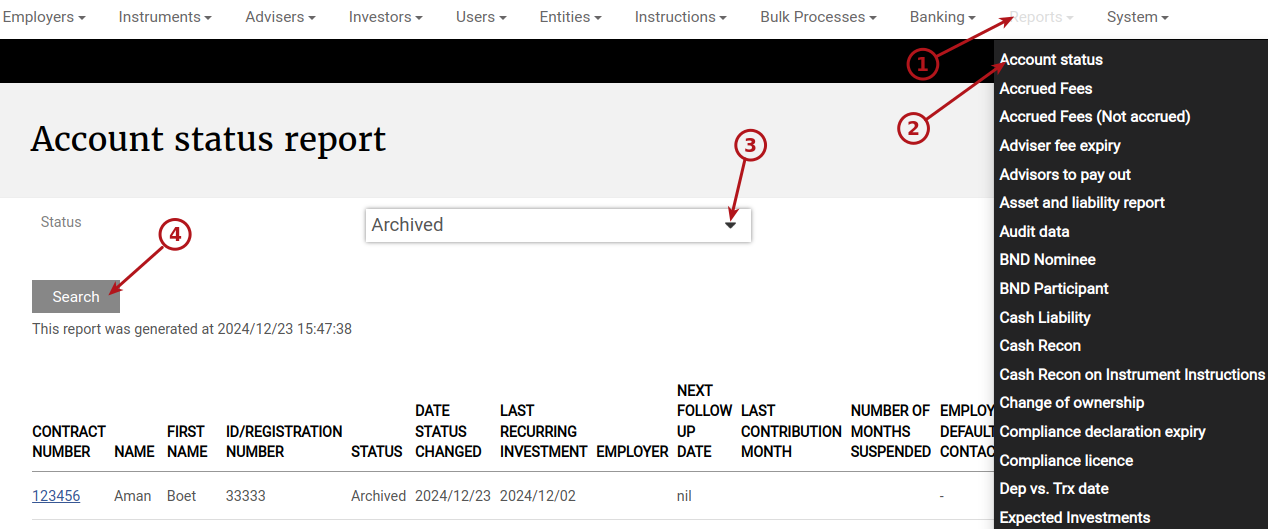
Only users with the global permission ‘Archived contracts’ can archive contracts and view archived contracts.
When a contract has been archived, the contract will not be visible to users without the ‘Archived contracts’ permission under Investors->Contracts and they will not be able to reach the contract by searching for it.
NOTE: Archived contracts can be accessed through an API and will be part of the Export Transaction Data Job’s (Amazon S3 and Azure blob) data.
Also see Archive Inactive employers
Last Updated on 2 years ago by Antoinette Van Meyeren