
Asset Allocation graph card
The option to display Asset allocations as Asset classes or asset sub-classes on an investor account can be set under the System-Main menu.

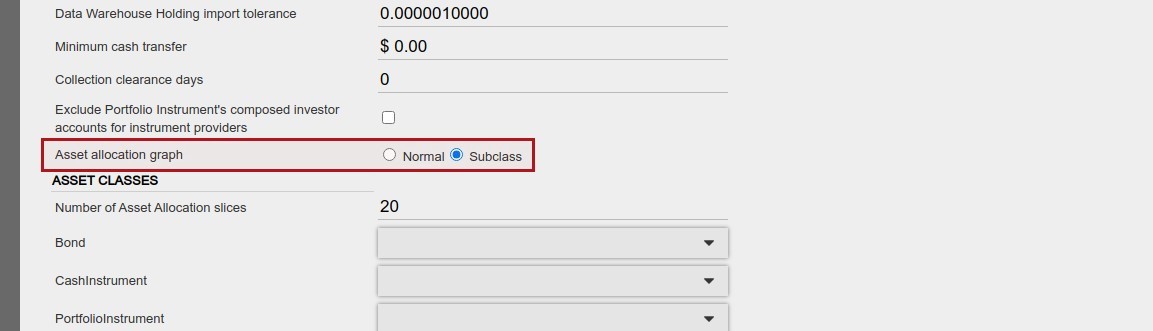
When ‘normal’ is selected, the asset allocation card on an investor will display the main asset classes

When ‘subclass’ is selected, the asset allocation card on an investor will display the main asset classes in the outer ring and the sub-classes in the inner ring

NOTE: The Asset allocation graph will only be displayed if the asset allocations on the account adds up to 100%
The asset allocation graph can be included in statements, by selecting the ‘Asset allocation’ section. See statement defaults for more information about sections on statements.
Last Updated on 5 years ago by Antoinette Van Meyeren