
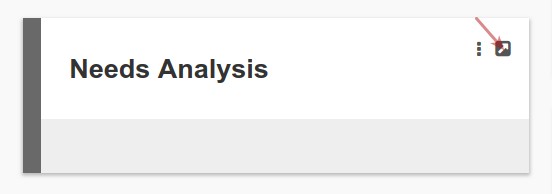
The Needs Analysis card will appear on an investor if it was activated
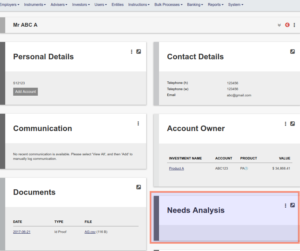
More than one personalised balance sheet can be setup per investor on the Needs Analysis card
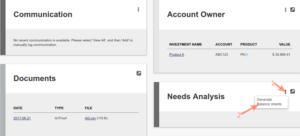
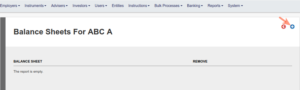
The balance sheet marked as active will be used to generate the individual’s Needs Analysis Report
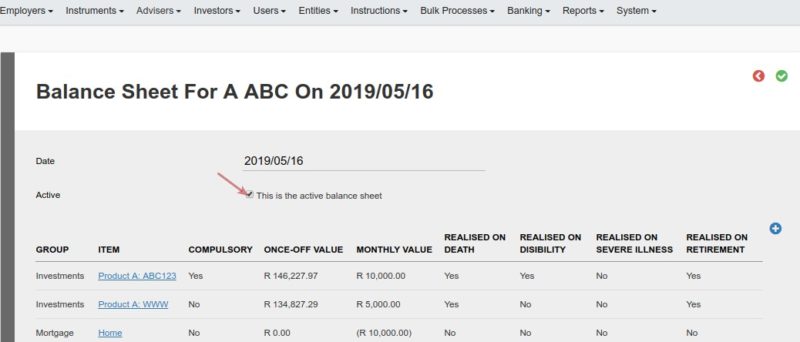
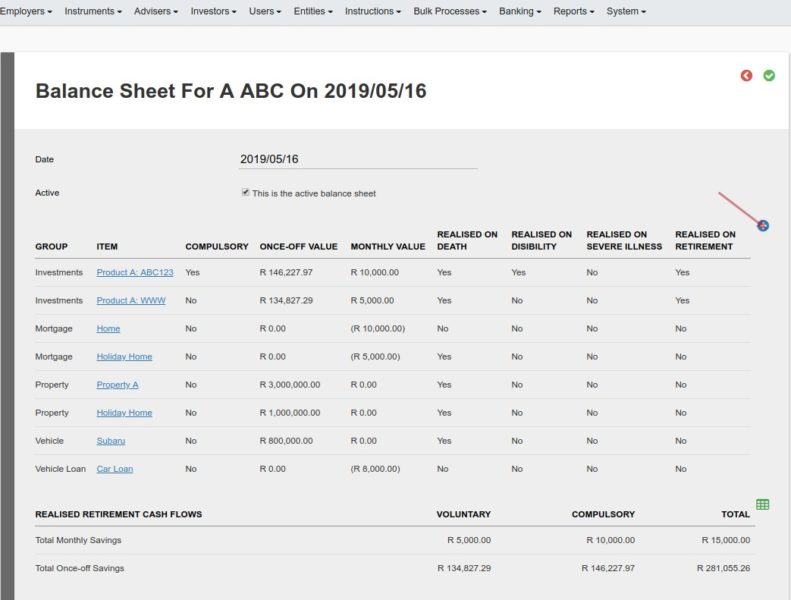
The Balance sheet groups as setup will pull through to the individual person’s Balance sheet, as well as the balances in the person’s investments. Investments of relations will also pull through if setup to display on the individual’s balance sheet
New items can be added
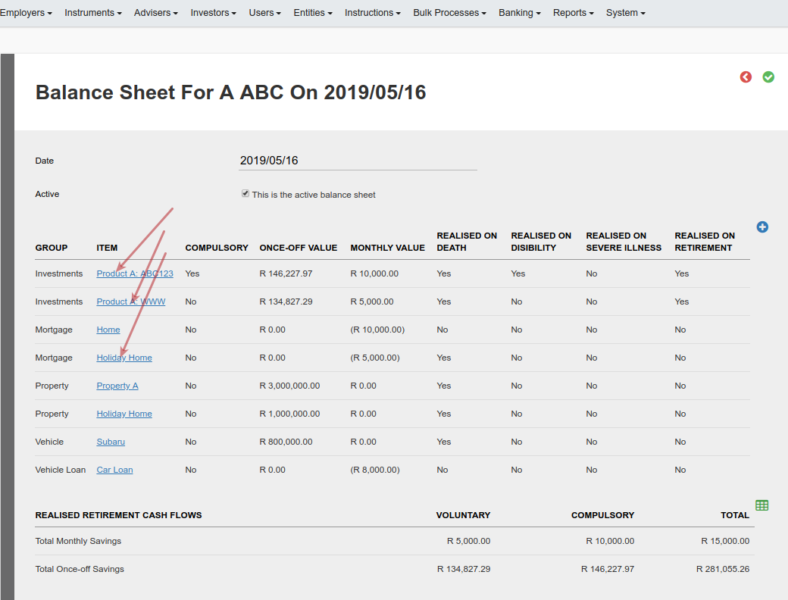
And existing items can be edited
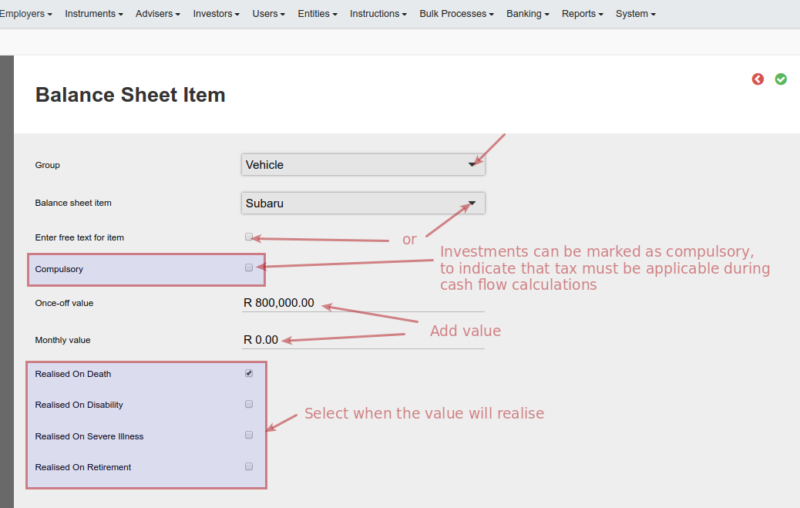
Select the balance sheet group from the drop-down list. A balance sheet item as setup under the group can then be selected or a free text description for the item can be added.
Continue adding and editing items until all required have been added
The Needs analysis report can now be previewed and generated.
The personal details of the investor will be pulled through to the Needs Analysis Report
Also see Needs Analysis Cash Flows
Last Updated on 7 years ago by Antoinette Van Meyeren