
Bank charges on money transfers between Cash instruments
A. Bank charge Bank entry written to Fee Portfolio
Bank charges incurred due to money transfers or forex transfers can be matched on the transfer itself. The system will allocate and match the bank charge bank entry to the Financial Services Provider’s Fee portfolio.
If the functionality is enabled, the transfer is ‘halted’ before completion to provide an opportunity to match bank charges and an extra step is required (Allocate matched) to finalise the transfer (the process is explained below).
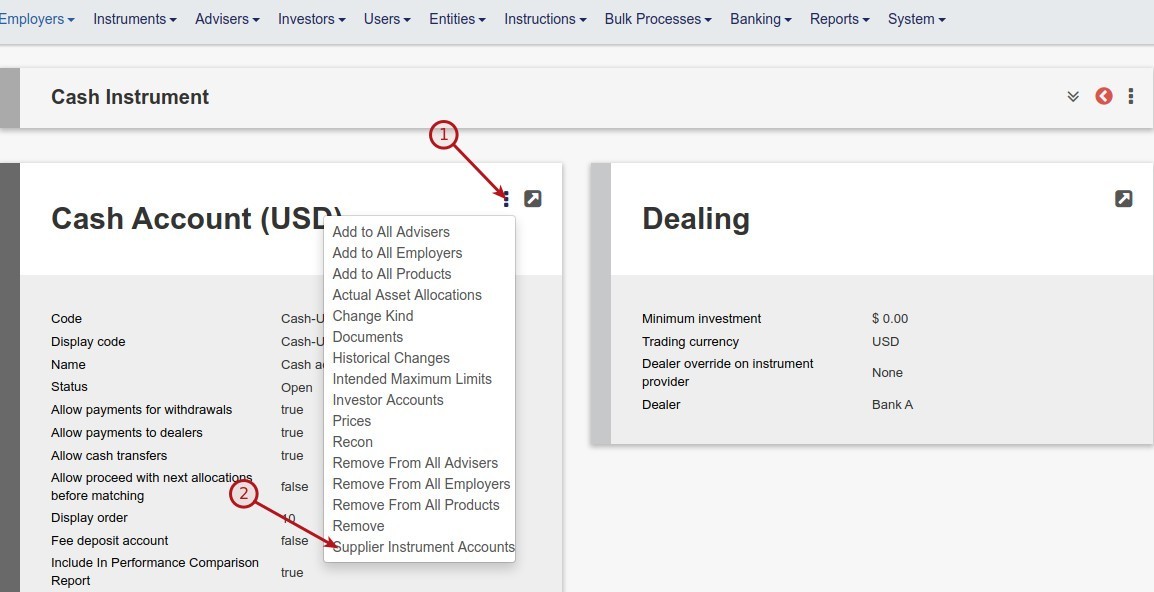
To enable the functionality go to the Cash Instrument for which bank charges must be matched on the money transfer. Select Supplier
Instrument accounts and then the relevant Instrument Account.

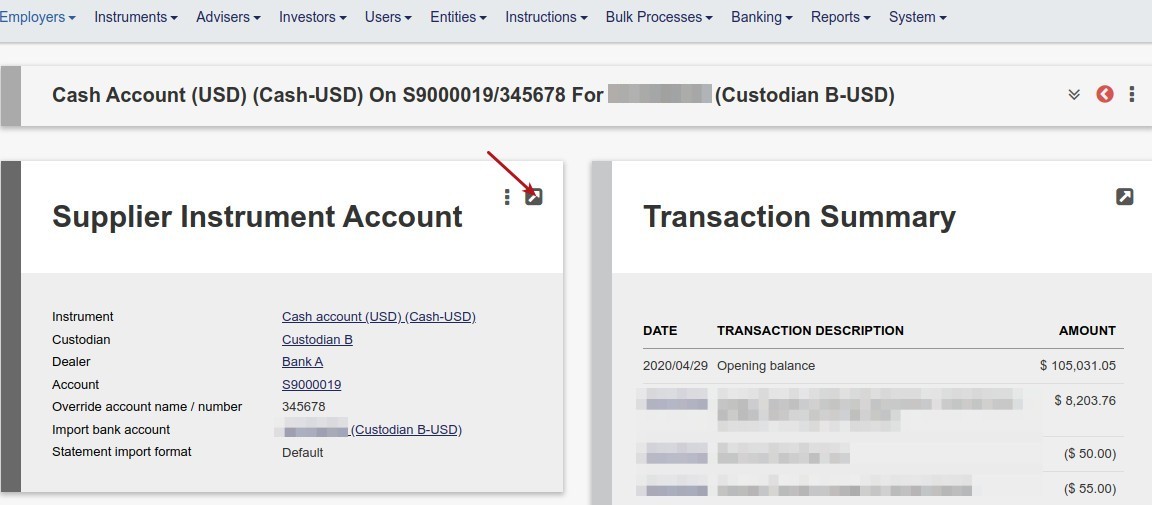
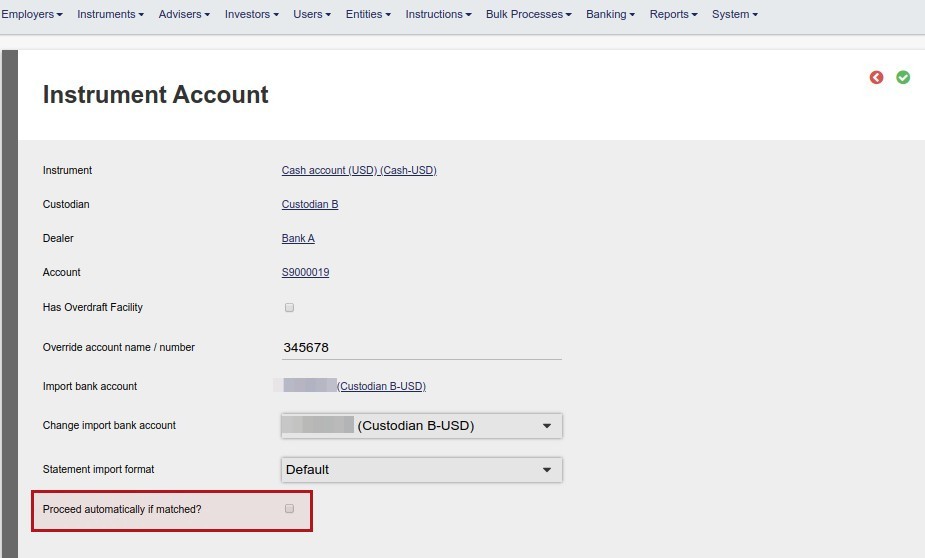
Ensure that ‘Proceed automatically if matched?’ is not ticked. You will then be able to match the bank charges before the transfer is completed.
Proceed with a money (or forex) transfer as usual.
After the transfer has been matched on both the To – and From account, both legs would show as matched.
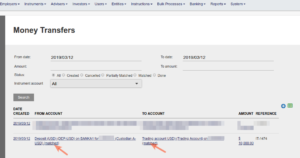
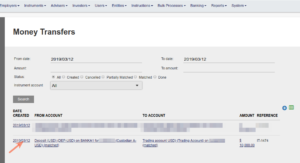
Re-enter the transfer by clicking on the date
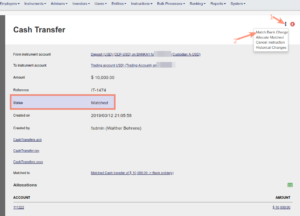
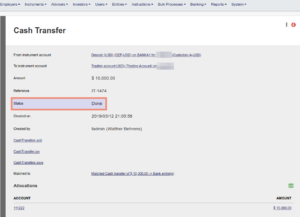
The status will show as Matched, but not yet Done, to provide the opportunity to match bank charges.
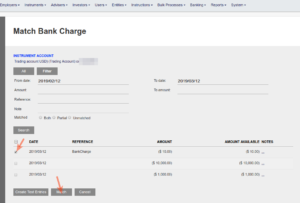
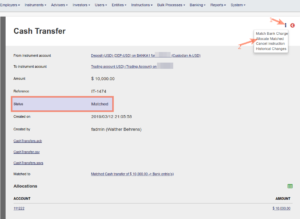
After matching the bank charges, the status of the transfer will remain as ‘Matched’ until you select Allocate Matched.
B. Bank charges charged to clients in a money transfer
Various bank charge rates to apply to clients who are part of a money transfer can be setup and applied on money transfers. This functionality is particularly useful in instances of netting off on money transfers as it provide the opportunity to allocate bank charges to all clients who are part of the money transfer.
Go to a money transfer
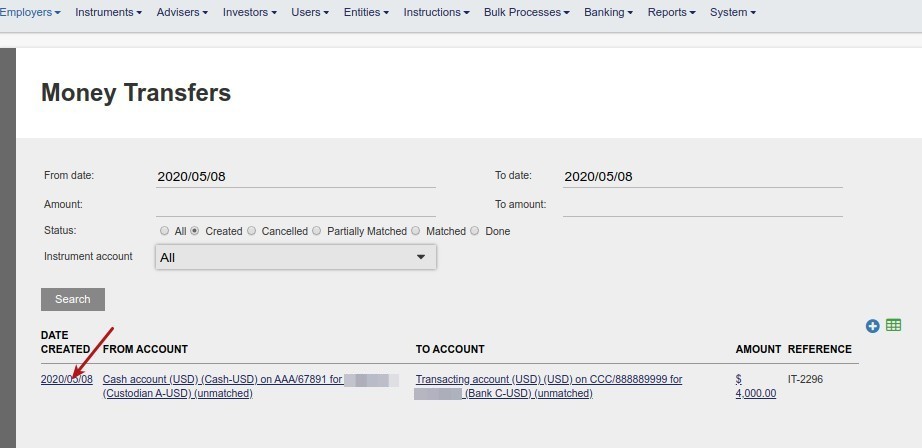
Select the Bank charge rate to apply to the accounts of clients who are part of the money transfer
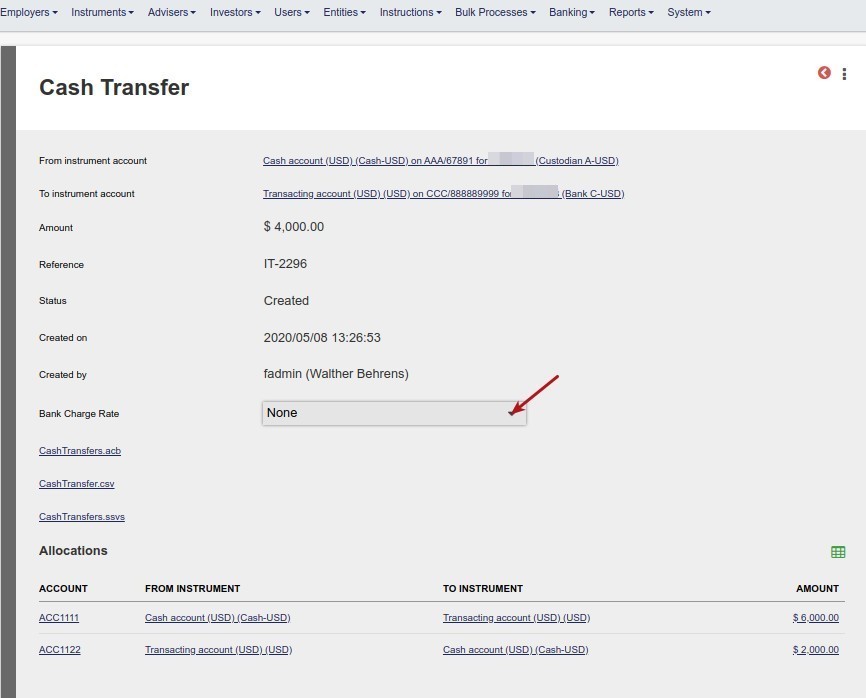
On completion of the money transfer the applied bank charge rate will be deducted from the ‘To instrument’ of the clients who are part of the money transfer and allocated to the fee portfolio of the Financial service provider. This will offset the bank charges that was matched/allocated to the fee portfolio of the Financial services provider.
Where an amount bank charge rate or bank charge rate set with minimum/maximum is applied to a money transfer, the rate will apply per client and will be apportioned to the different buys per client in the money transfer. See BankChargePerClient
Where the bank charge rate exceeds the money transfer amount per client, a screen error message will be displayed and the bank charge rate on the money transfer will need to be adjusted before the ‘To’ leg of the money transfer can be matched.
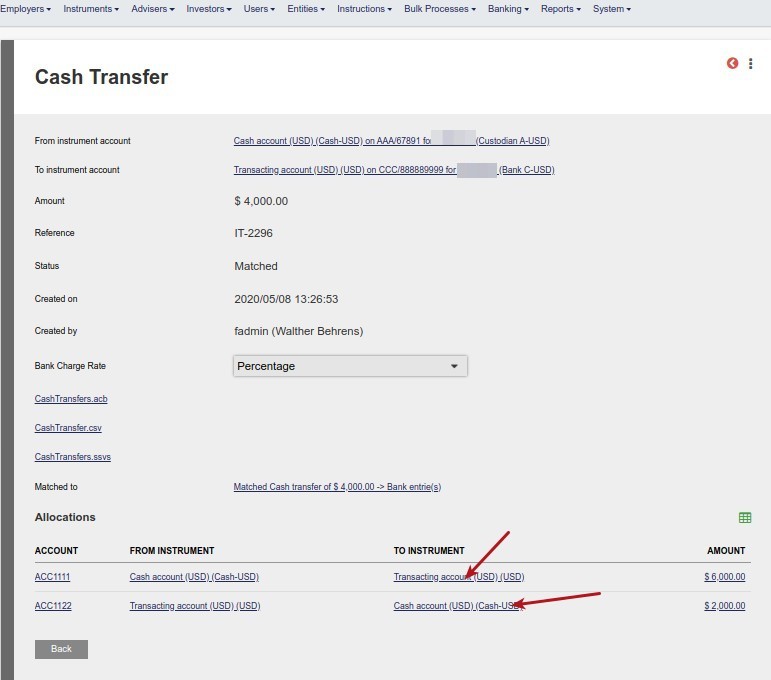
Payments and dealer instructions are created based on the remaining funds after deduction of the bank charges from the client.
The dealer instruction (or in the case of a withdrawal, the payment) will be created with the instruction amount minus the bank charges.
Last Updated on 5 years ago by Antoinette Van Meyeren