
Setting up Bank charge rates for Money transfers
Bank Charge rates can be setup from the System main menu. A ‘None’ Bank charge rate will be setup by default.
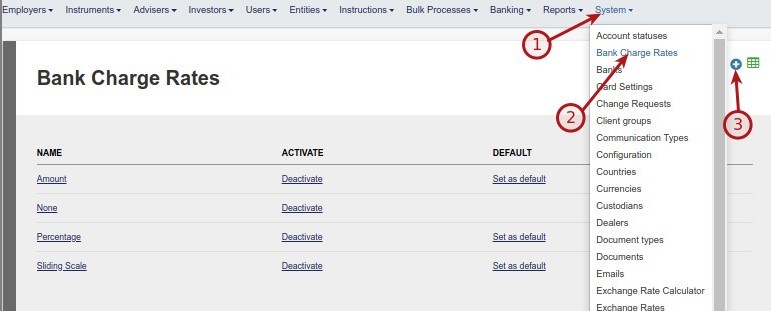
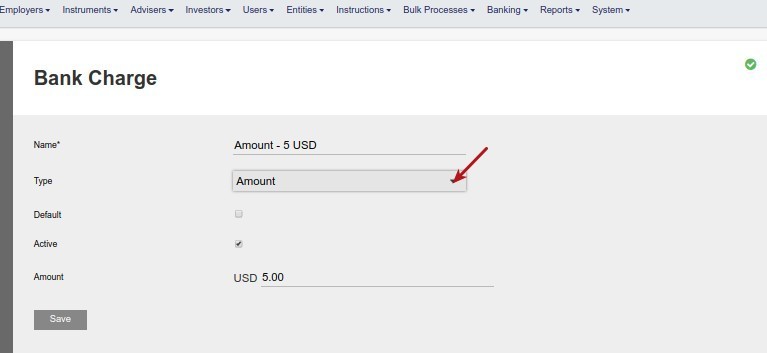
Complete the required fields.
Types of bank charge rates available are Amount, Percentage and Sliding Scale (see Setting up a sliding Scale)
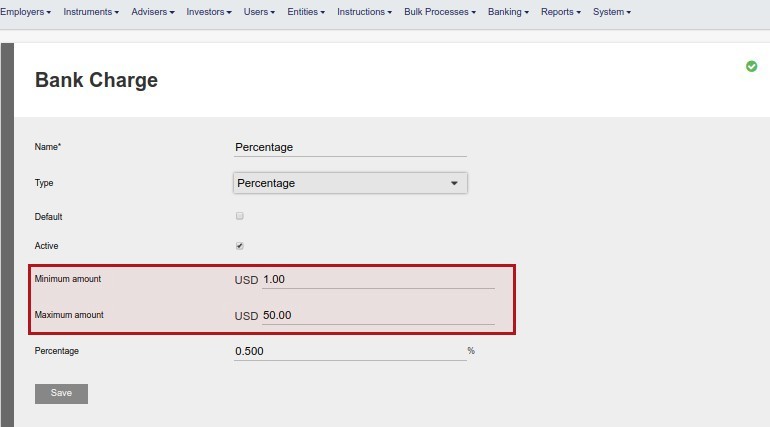
On Percentage and Sliding scale types a minimum – and maximum amount can be set to work in conjunction with the Percentage or Sliding Scale
Bank charge rates can be set as Active/Inactive and a default bank charge rate can be selected

The default Bank charge rate will be set on a money transfer and only activated Bank charge rates will appear for selection on a money transfer
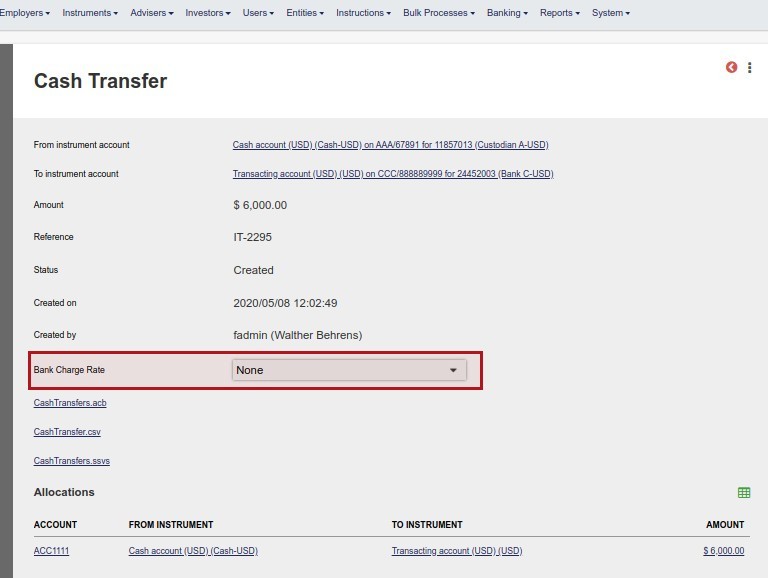
Also see Bank Charges On Money Transfers Between Cash Instruments
Last Updated on 6 years ago by Antoinette Van Meyeren