
Change Request
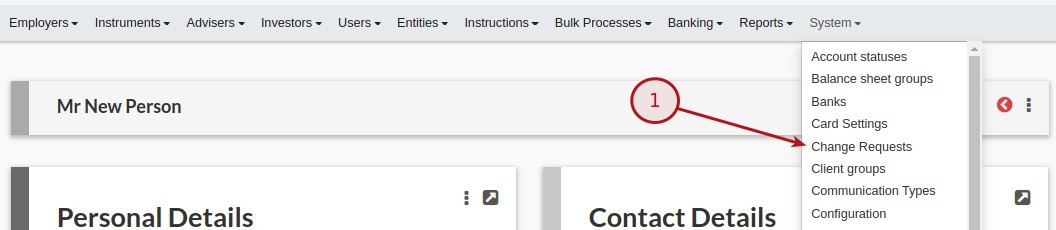
From the main menu select (1) System -> Change Request.
IS CHANGE REQUEST
Clicking on the tick box gives you the option to select which changes must not be automatically accepted, but need to be approved first, by a user with the ‘Change Request’ permission.
The SHOULD SEND NOTIFICATION ON CHANGE and SHOULD SEND TO WORKFLOW tick boxes will only be available when the IS CHANGE REQUEST has been set
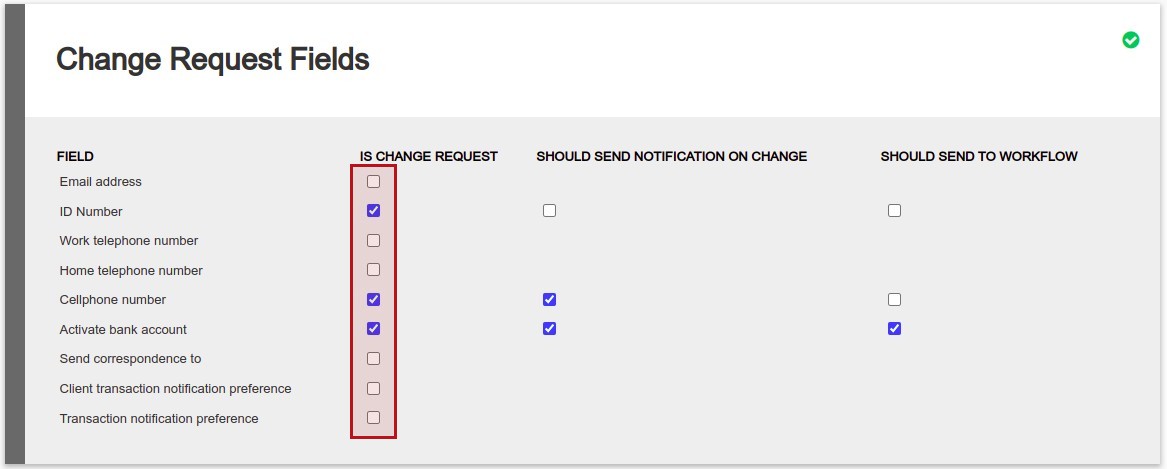
The following options are available:
- Activate bank account – Set on the Personal Details -> More Actions -> Bank Details
- Cellphone number – Set on the Contact Details Card
- Client transaction notification preference – Set on the Advisor’s Advisor Card -> View Details
- Email address – Set on the Contact Details Card
- Home telephone number – Set on the Contact Details Card
- ID Number – Set on the Personal Details -> View Details
- Send correspondence to – Set on the Contact Details Card
- Transaction notification preference – Set on the Contact Details Card
- Work telephone number – Set on the Contact Details Card
OVERRIDING ‘IS CHANGE REQUEST’ AT THE USER LEVEL
An event that would ordinarily trigger a Change Request can also be deactivated at a user level by a user with ‘Change Request’ permission. From the User card, select ‘Change Requests’ from the menu to select the events which should trigger Change Requests. The Change Request events which can be enabled or disabled at the User level include all Change Requests that can be set at the system level (system -> change requests).
If an event is set up to not trigger a Change Request at the system level, it will also not trigger a Change Request if the event is enabled at the user level. Selecting or deselecting Change Request events at the user level will have an override effect if the event is set up to trigger a Change Request at the system level, and it is disabled at the user’s level.
A user with sufficient permissions to override Change Request events at a user level may not override Change Requests on their own user.
SHOULD SEND NOTIFICATION ON CHANGE
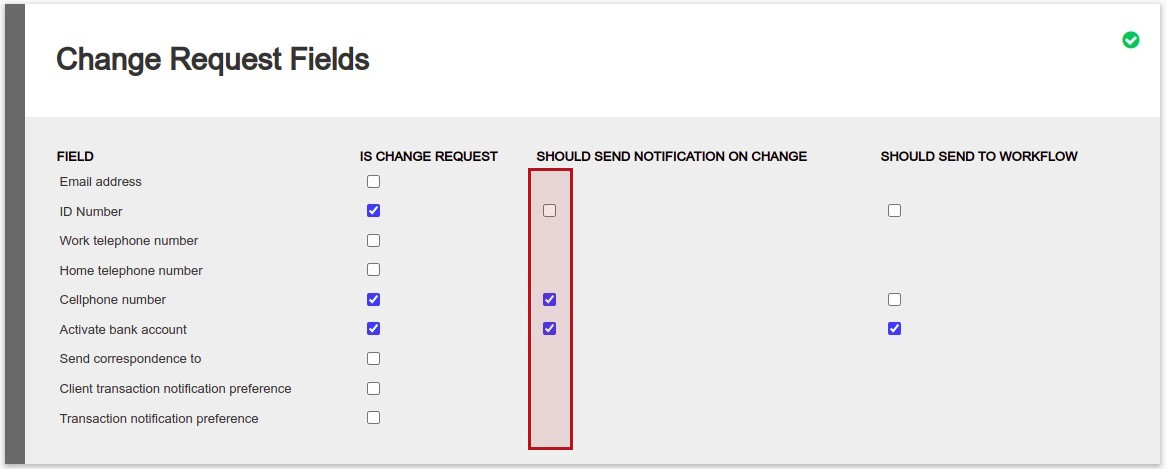
‘Should send notification on change’ provide the options to indicate on approval of which changes an email and/or sms should be send to the client and/or the advisor, as setup on the client and advisor. See sending notifications for more detail.
SHOULD SEND TO WORKFLOW
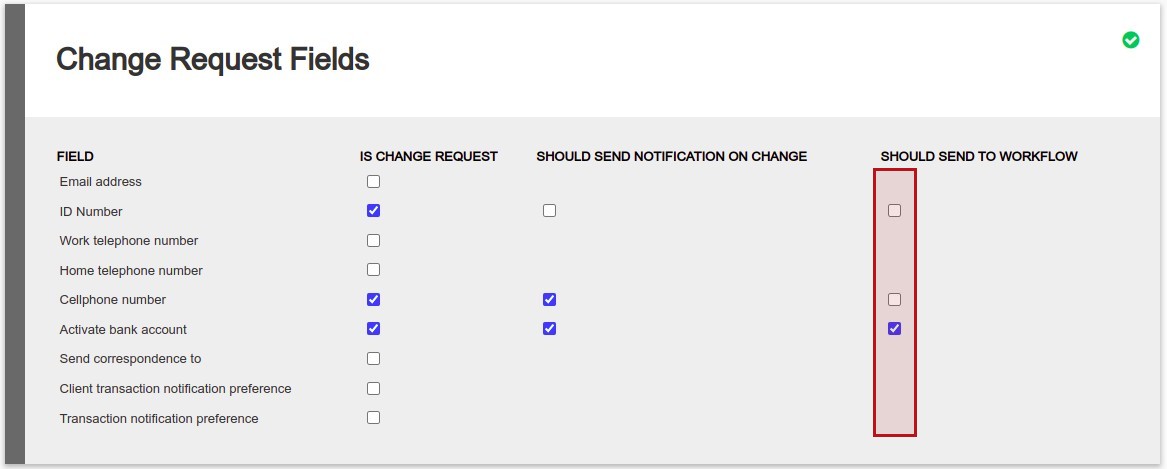
‘Should send to workflow’ create a email to notify the workflow that a request has been submitted.
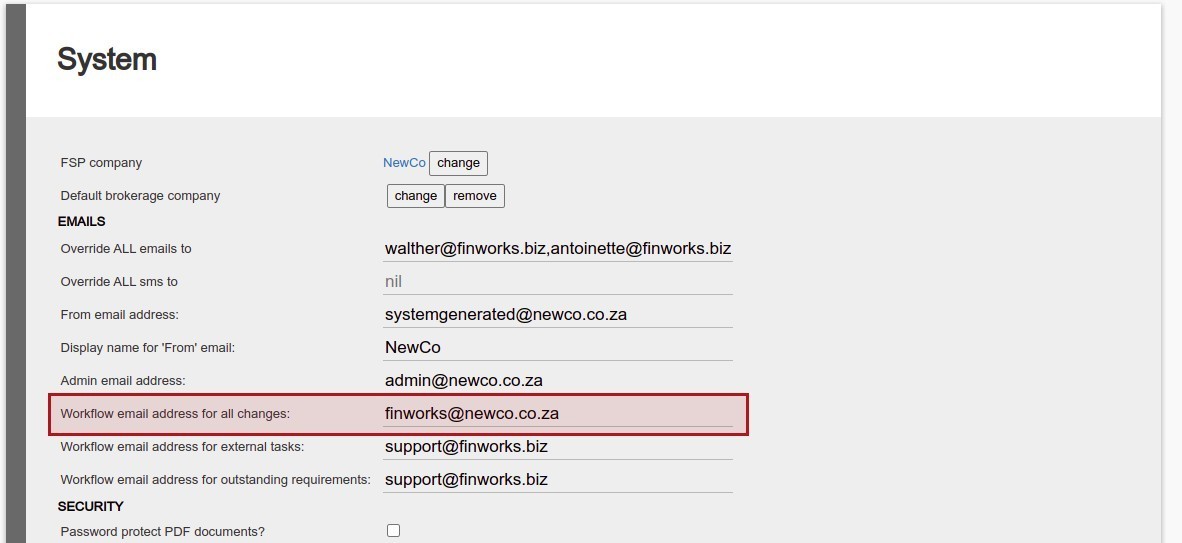
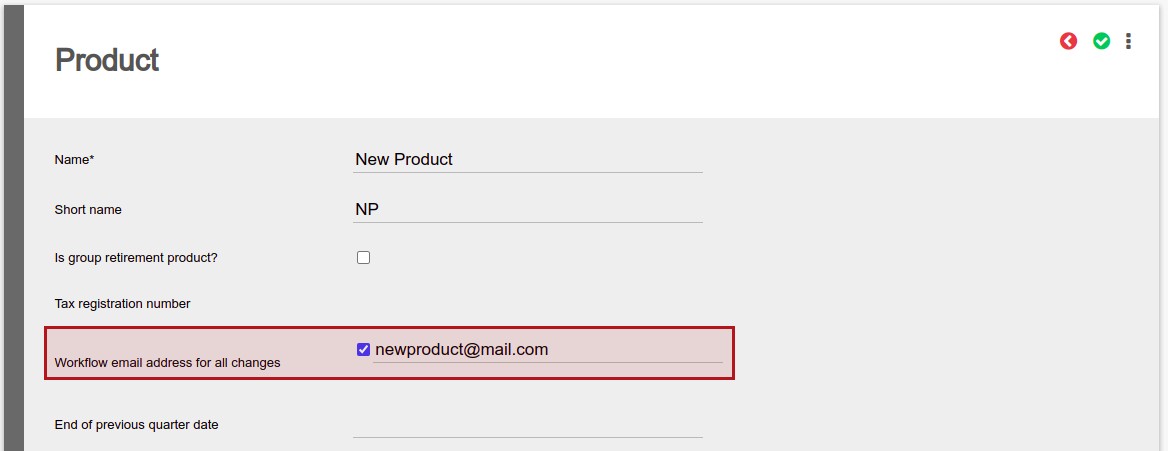
The email “Workflow email address for all changes” can be set on the system configuration or override the email on product level.
Workflow email address for all changes
System -> Configuration
Product
System -> Product -> Select a product
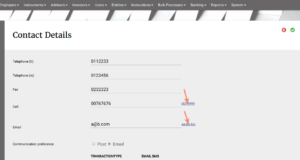
The selected Change Request fields will retain the content as before the change until approval. The updated content will appear as a link next to the field
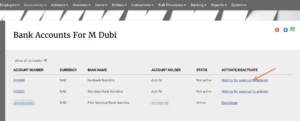
Bank accounts will be created as Deactivated and only be activated on approval
Clicking into the link will provide details about the change
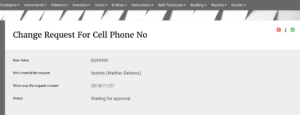
A User with the ‘Change Request’ permission can approve or decline the change
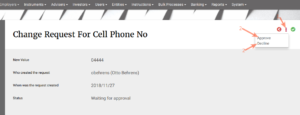
Alternatively, the list of ‘Change Requests’ can be approved or declined together under the Entities main menu
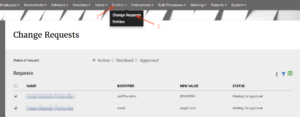
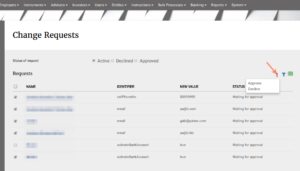
The Change Requests as set under System Configuration will also apply to imports.
Last Updated on 6 months ago by Hayley Jerram