
Recurring Investment/Debit Order set up
-
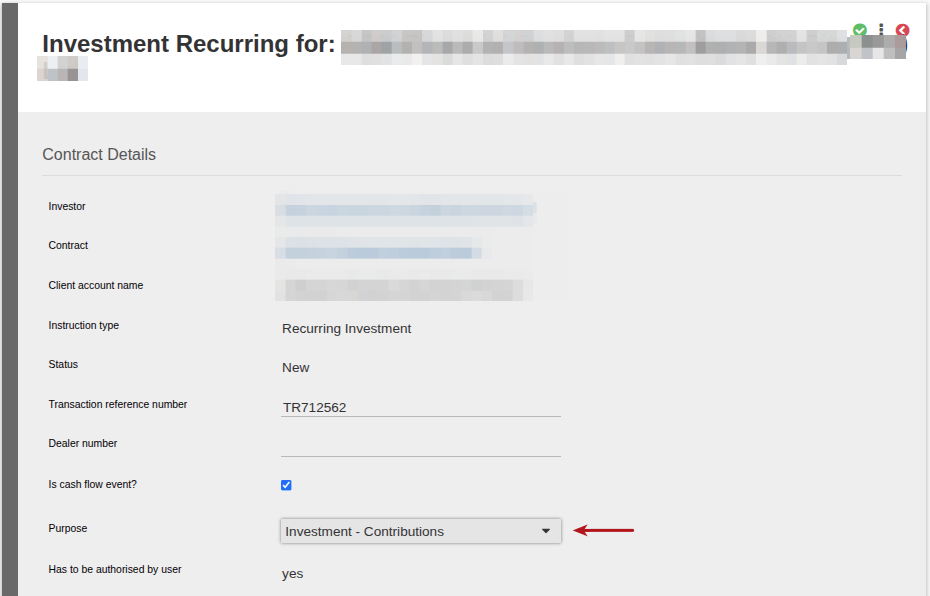
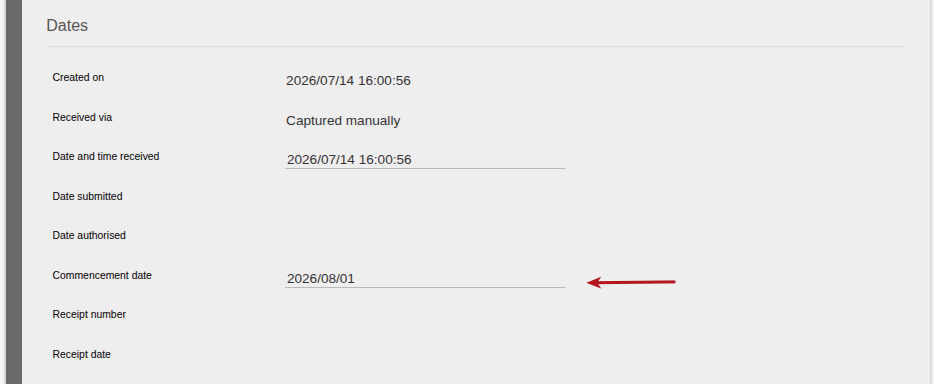
- When creating a Recurring Investment/Debit Order, the following data needs to be set up
-
- Purpose of investment (if required)
- Commencement date
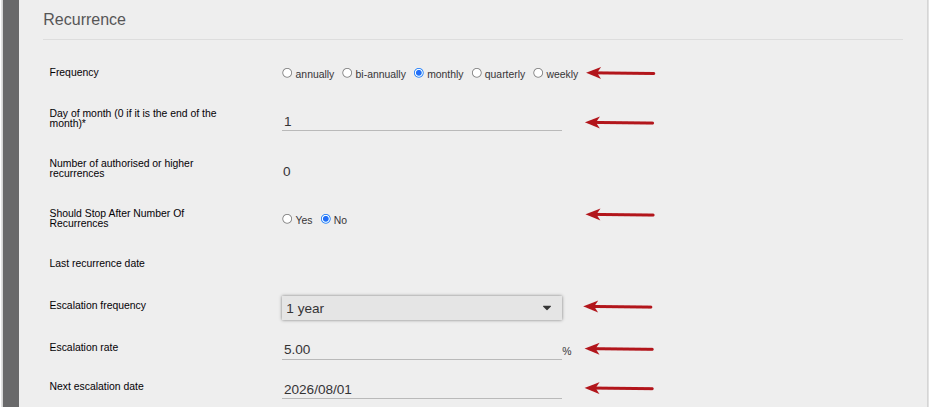
- Recurrence Frequency
- Day of month (0 if collection is required on the last day of the month)
- End of Recurrence (If required see link)
- Escalation frequency (frequency of premium increase – options available are from 1 to 5 years)
- Escalation rate (percentage of the premium increase required, if no premium increase is to be applied select 0%)
- Next escalation date (this would be dependent on the escalation frequency set)
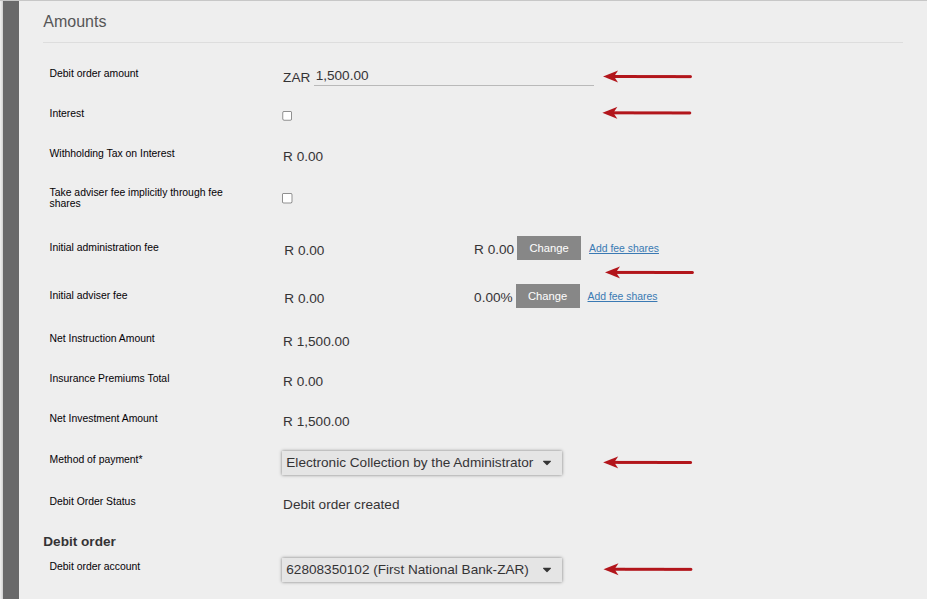
- Recurrence/Debit Order amount required
- Interest (if required)
- Capture Fees required
- Method of payment (how the funds will be collected)
- Bank account details for collection if Method of Payment is set as Electronic Collection by the Administrator
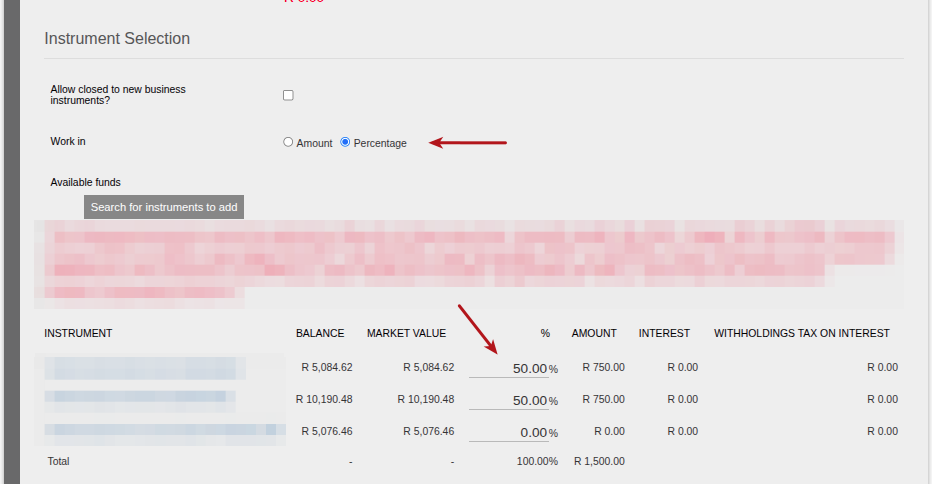
- Instrument Selection section: Work in Amount or Percentage
- Instrument Selection: Select required Instrument to be invested in
- On the instrument selected, enter the Amount or Percentage required to be invested in
- Pot Allocation details required if this is an RSA Retirement Product. For more information on the Two Pot process see link.
-

The first time a Recurring Investment is submitted, it needs to be checked and AUTHORISED. Each time a Recurring investment is processed the next month’s recurring investment is created and automatically submitted. The Commencement Date of the next recurring is set according to the Frequency of the first Recurring Investment. If this is MONTHLY the next Recurring Investment’s Commencement Date will be one month later. The current month’s recurring investment will then show “Processing” and the next month’s recurring will show “Submitted”. Automatically submitted recurring investments do not need to be authorised again, unless you need to make a change to the recurring. To make a change you need to REJECT the recurring, make the change and submit + authorised the recurring.
-
- See
Recurring Investment Process (Diagram)
Processing a Recurring Investment with a Debit Order
Debit Orders are not processed automatically, but instead their process starts by creating a banking collection upload file. The “To Date” on the batch defaults to Today, but this can be set in the past or in the future.
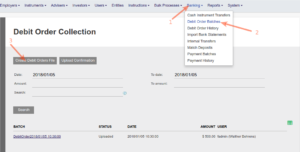
All AUTHORISED first time recurring investment instructions AND all automatically submitted recurring investments (2nd, 3rd, 4th …. etc occurrences) , with a Commencement Date <= To Date will be included in the Debit Order Batch.
Setting the To Date in the PAST: e.g you could not do the Debit Order batch on Monday, you decide to do this on Tuesday (but want to exclude Debit Order for Tuesday since you want to do them in a separate batch)
Setting the To Date in the FUTURE: e.g Friday and Monday are holidays and on Thursday you decide to start getting your collection file ready including Debit Orders that should collect on Friday, Saturday, Sunday and Monday. You then set the To Date to the Monday’s date.
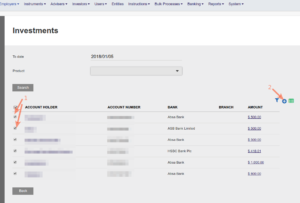
Once a Debit order is collected and matched to a bank entry, the system will automatically include the investment in the next Dealer Instruction.
See Debit Order Process (Diagram)
Last Updated on 3 months ago by Tinus Burger