
Default instrument allocation depending on age
Different default instrument allocations can be added to an employer, depending on the age of the employee at ‘Take on date’ of the account.
Go to the Employer card of the relevant Employer
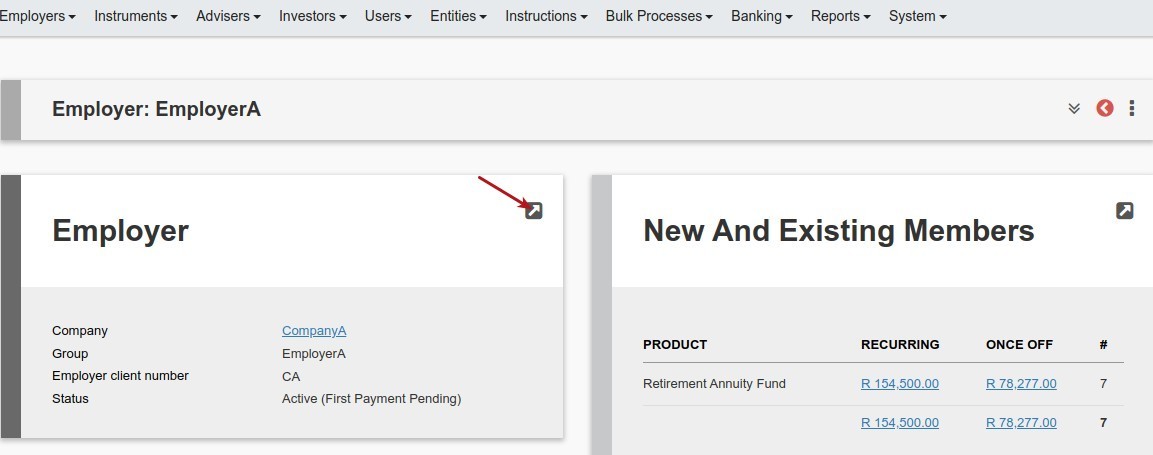
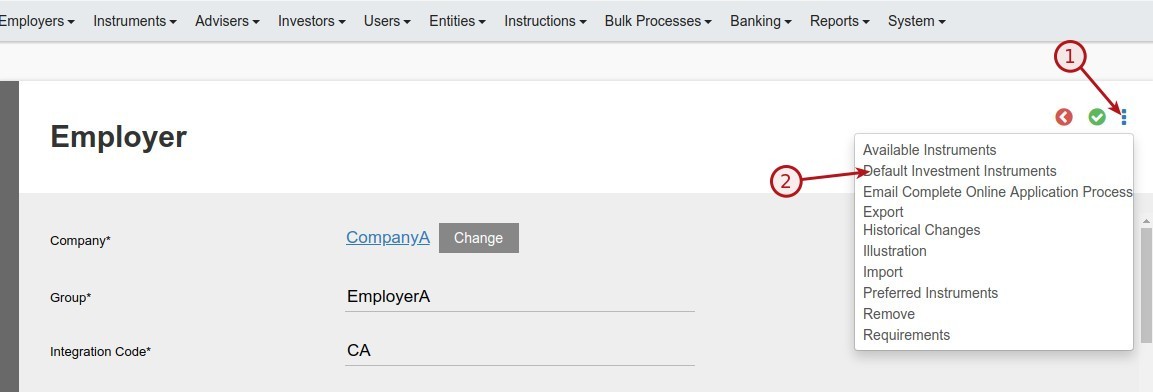
If the same defaults instrument selection should apply to all newly added employers irrespective of age, do not add any additional age categories
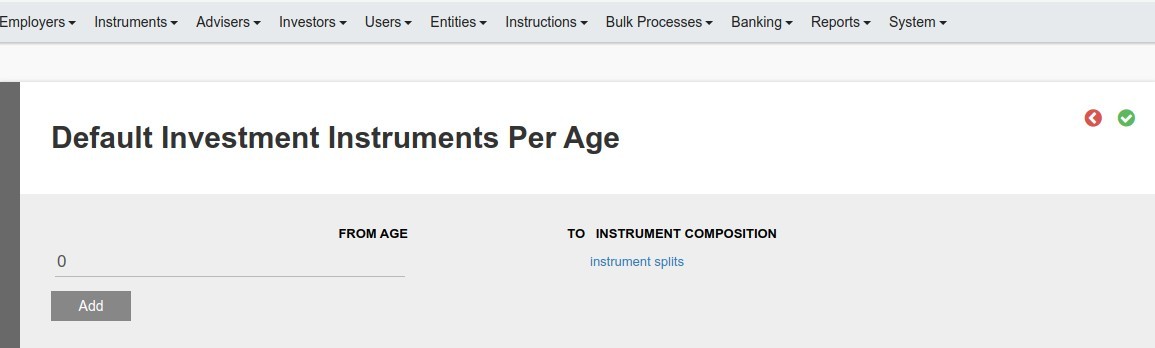
If different instrument allocations are required per age add additional categories
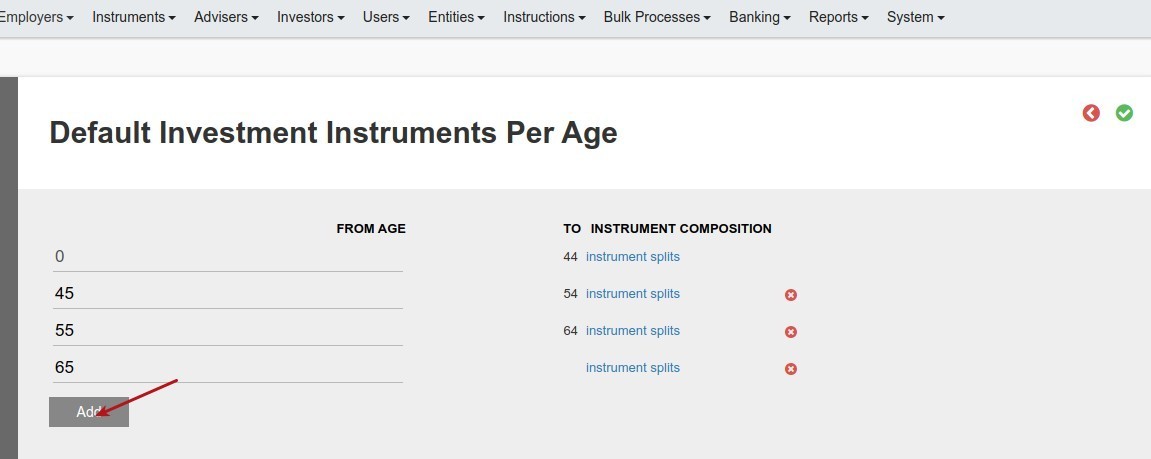
Complete the instrument splits per age category

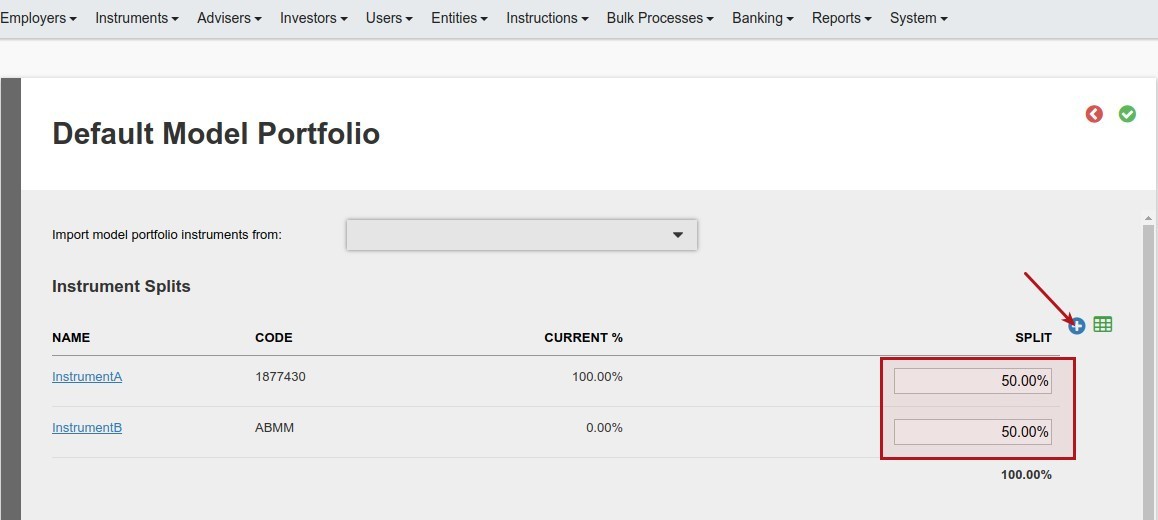
When a new employee with a new investment is create on the employer, the default instrument splits will be added to the new investment instruction depending on the age of the employer as at ‘Take on date’ of the account.
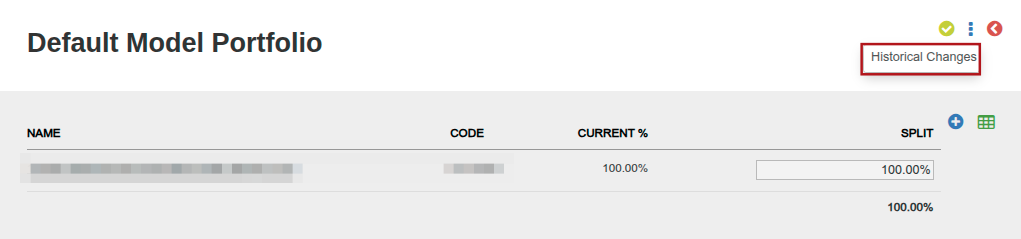
Historical changes to the default investment instruments can be accessed from the Default Model Portfolio screen’s menu.
Also see View and add instruments available for selection by members
Last Updated on 5 months ago by Hayley Jerram