
Documents Report
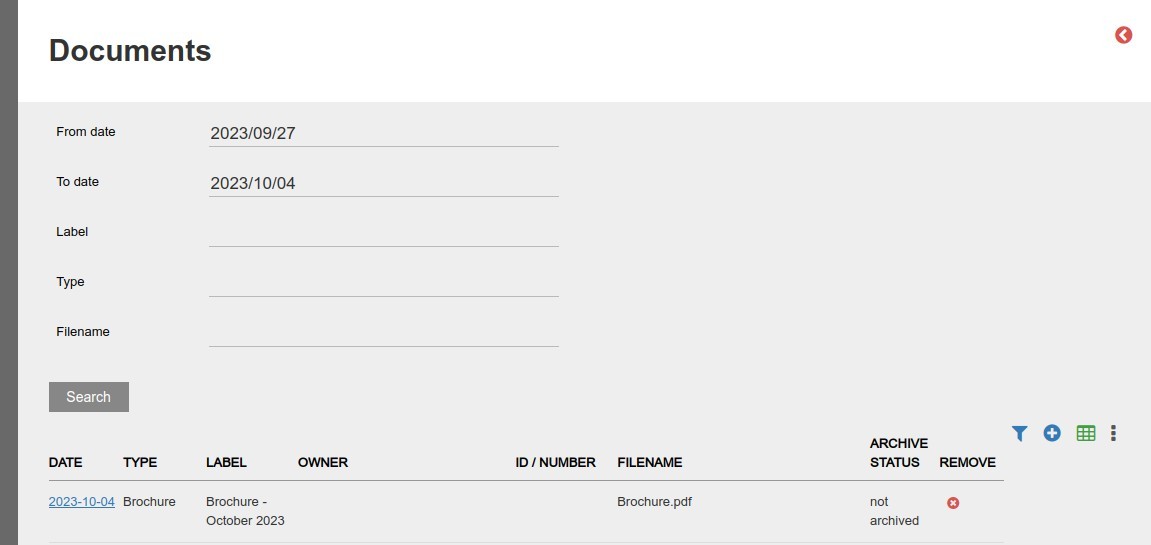
- Navigate to System -> Documents, ALL documents on the system will be shown.
- This includes documents on various levels; Some examples:
- System – Loaded under System -> Documents with type System
- Instrument – Loaded under a specific instrument
- Product – Loaded under a specific product
- Entity – Loaded under an entity
- Account – Loaded under an account
- Instruction – Loaded under an instruction
- The following search parameters are available to limit search results:
- From date, To date, Label, Type and Filename
NOTE: Archived documents will only be visible to users with the global permission ‘View archived documents’
Also refer to:
Last Updated on 3 years ago by Tinus Burger