
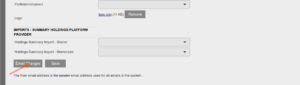
The sending of notification emails regarding changes made on the system can be activated at the bottom of the System Configuration screen.
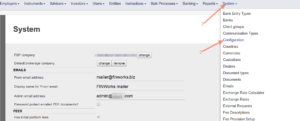
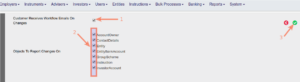
When ‘Customer Receives Workflow Emails On Changes’ has been ticked, the available options on which changes must be reported appears and can be selected.
When ‘Customer Receives Workflow Emails On Changes’ has been selected, an additional field will appear on System Configuration, where the workflow email address must be setup.

If a user then makes changes and clicks Save, an email will be sent to the workflow email address. The date and time, user that made the change and details on which field was changed with the old and new values, will be noted in the email. The email will also be logged under System -> Emails, where a log is kept of all email sent via the system.
See how to test emails/sms on the Test site
Last Updated on 6 years ago by Antoinette Van Meyeren