
Finswitch Realtime Fund Price Imports
You can import fund prices by integrating with Finswitch in FINWorks. FINWorks will then fetch the latest prices from Finswitch. This can be done on an adhoc basis, or by using a scheduled job. If the price of a fund on a day gets updated more than once, and you fetch the price after a subsequent update, then the latest price will be imported and will reflect for the relevant fund.
Note that the “Added” date time stamp will reflect the date time stamp of the initial price added.
Setting up Finswitch credentials on System level
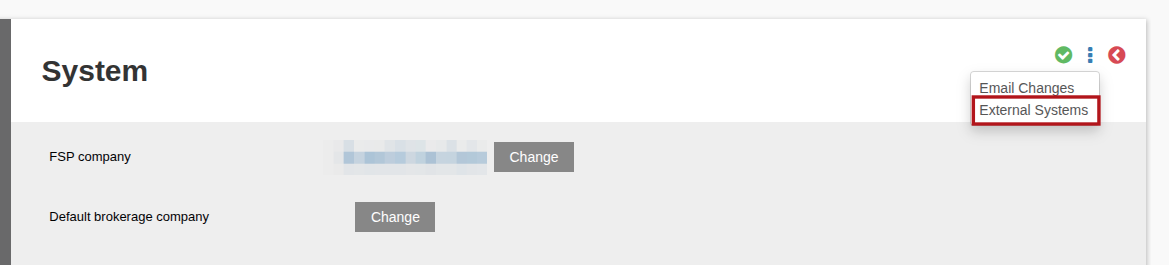
Navigate to System -> Configuration and then more actions -> External Systems:
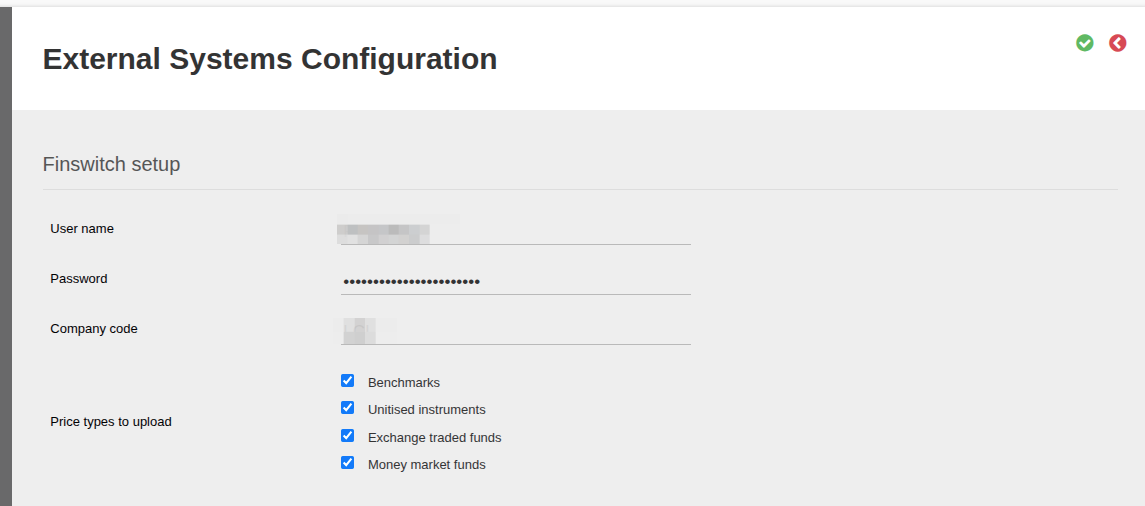
Then you can capture the credentials of an automated user from Finswitch, and save.
Setting up Finswitch credentials on Custodian level
If you have separate Finswitch accounts per custodian, or want to schedule price imports per custodian, you can setup Finswitch integration at a custodian level. If this is done, it will overwrite the above mentioned system level configuration for that Custodian.
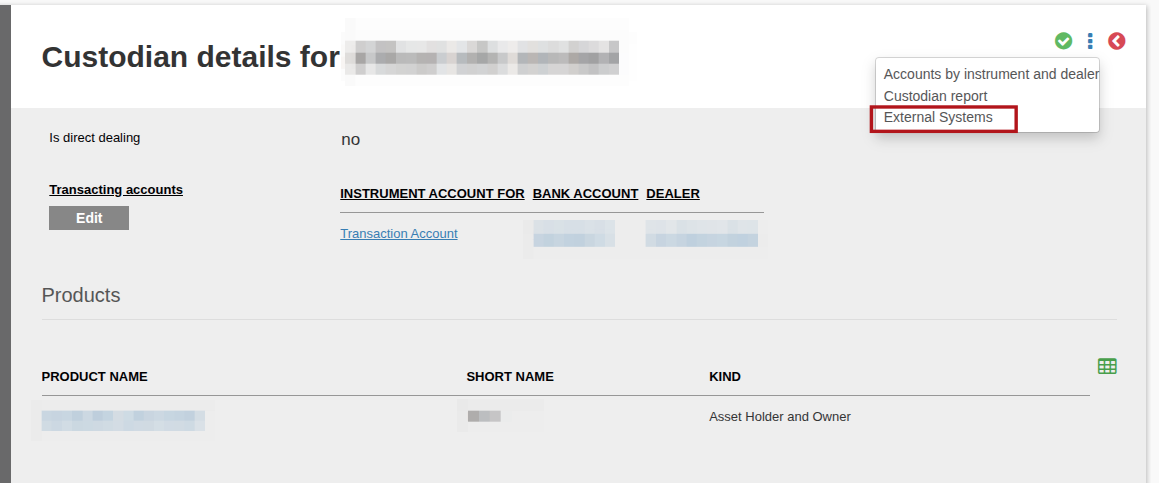
Navigate to System -> Custodians and click on the relevant custodian. Then click on View Details on the Custodian card, and under More Actions select External Systems:
Then you can capture the Finswitch credentials, similar to the System config.
Once this is setup, you can trigger a Finswitch Realtime Price import at an adhoc basis, or by scheduling a job, as explained below.
Scheduled Finswitch Realtime Price Imports
Navigate to System -> Jobs and “Add” the Finswitch Realtime Prices Import Job.
Once the Job has been added you can then set up the Job preferences by going into the Job and navigating to the Set Up Section, the following can be updated:-
Price Date:
- Previous working day (in the instance of a public holiday/Monday)
- Previous working day or month end (example: where month-end falls on Saturday, then the price job on Monday should update with Saturday’s price)
- Today
- Yesterday
Custodian:
Select the required Custodian from the drop down menu
The job run time/frequency can be set under the Schedule section, update the following:
- Start date
- Start time
- Frequency (daily/hourly/minutes/monthly/quarterly/weekly)
- Every number of hours
- Must only run on working day (tick box option)
Also see Frequency and Setup for more detail
Adhoc Finswitch Realtime Price Imports
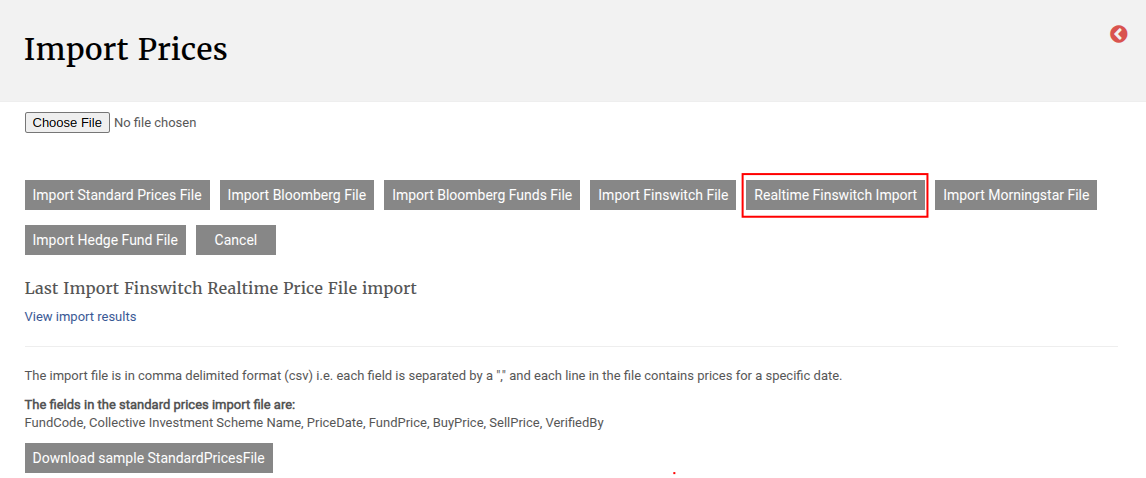
Navigate to Instruments -> All Instruments, and under More Actions choose Import Prices. Then there is a Realtime Finswitch Import button, which will fetch the latest prices from Finswitch, using the captured Finswitch credentials.
Last Updated on 2 months ago by Liezel