
Fund Fact Sheets
Fund fact sheets can be uploaded on an instrument.
Go to the relevant instrument:
On the Instrument, select (1) More Details, then (2) Documents

To add the Fund Fact Sheet, select Add

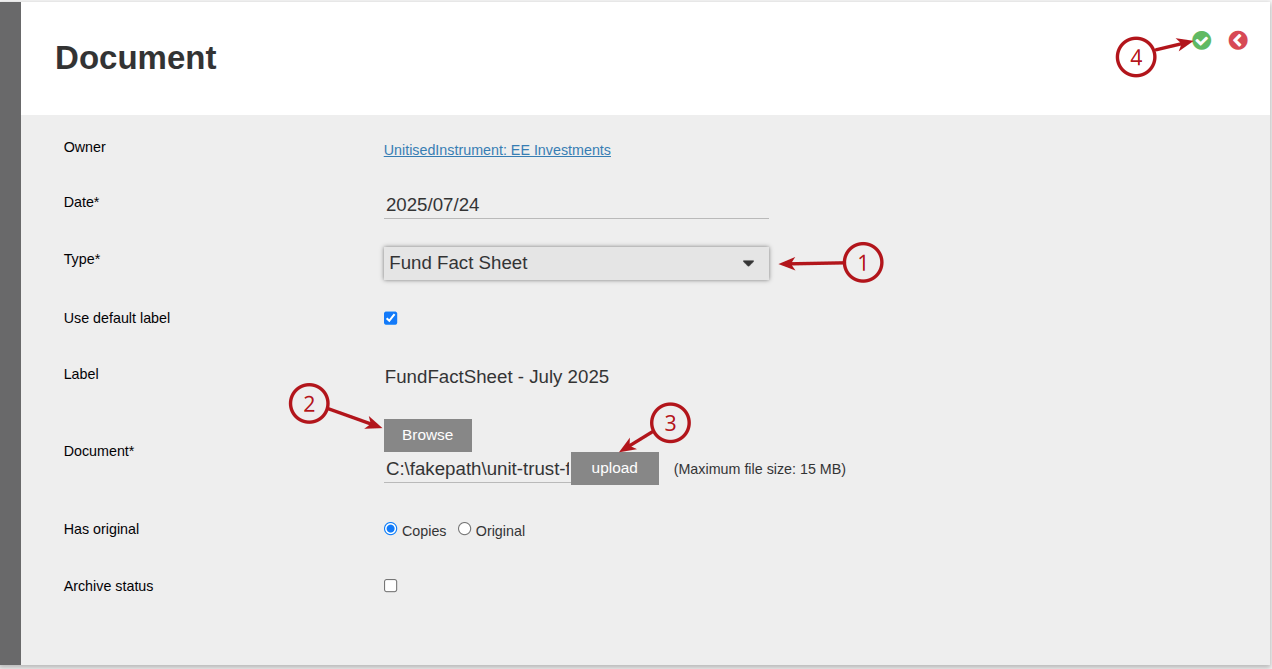
On the Type drop down option select (1) Fund Fact Sheet
To upload the Fund Fact Sheet select (2) Browse and select the document required, (3) then upload the Fund Fact Sheet document and then (4) save
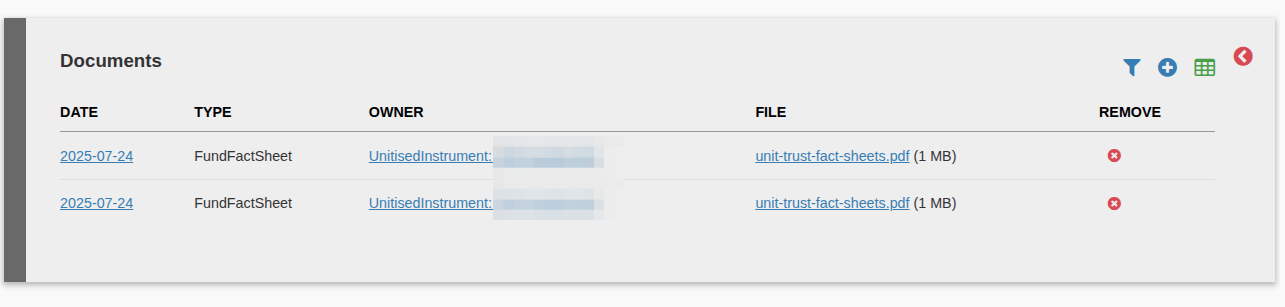
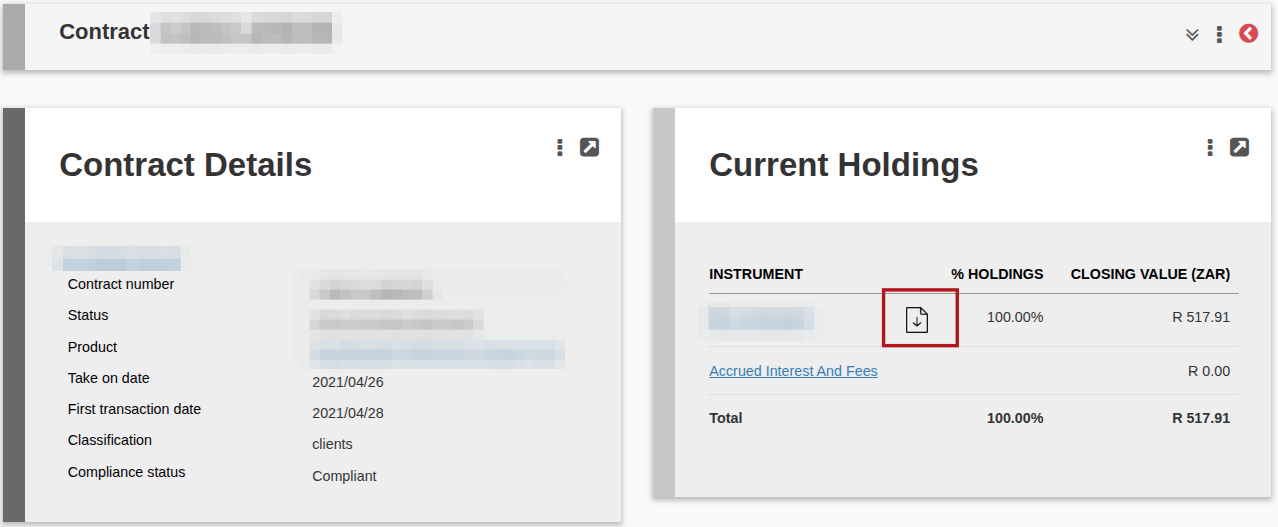
When a fact sheet has been uploaded on an instrument, the document can be accessed from the Current Holdings card on an account that has funds in the instrument. The latest Fund sheet will be displayed when clicking on the document icon.
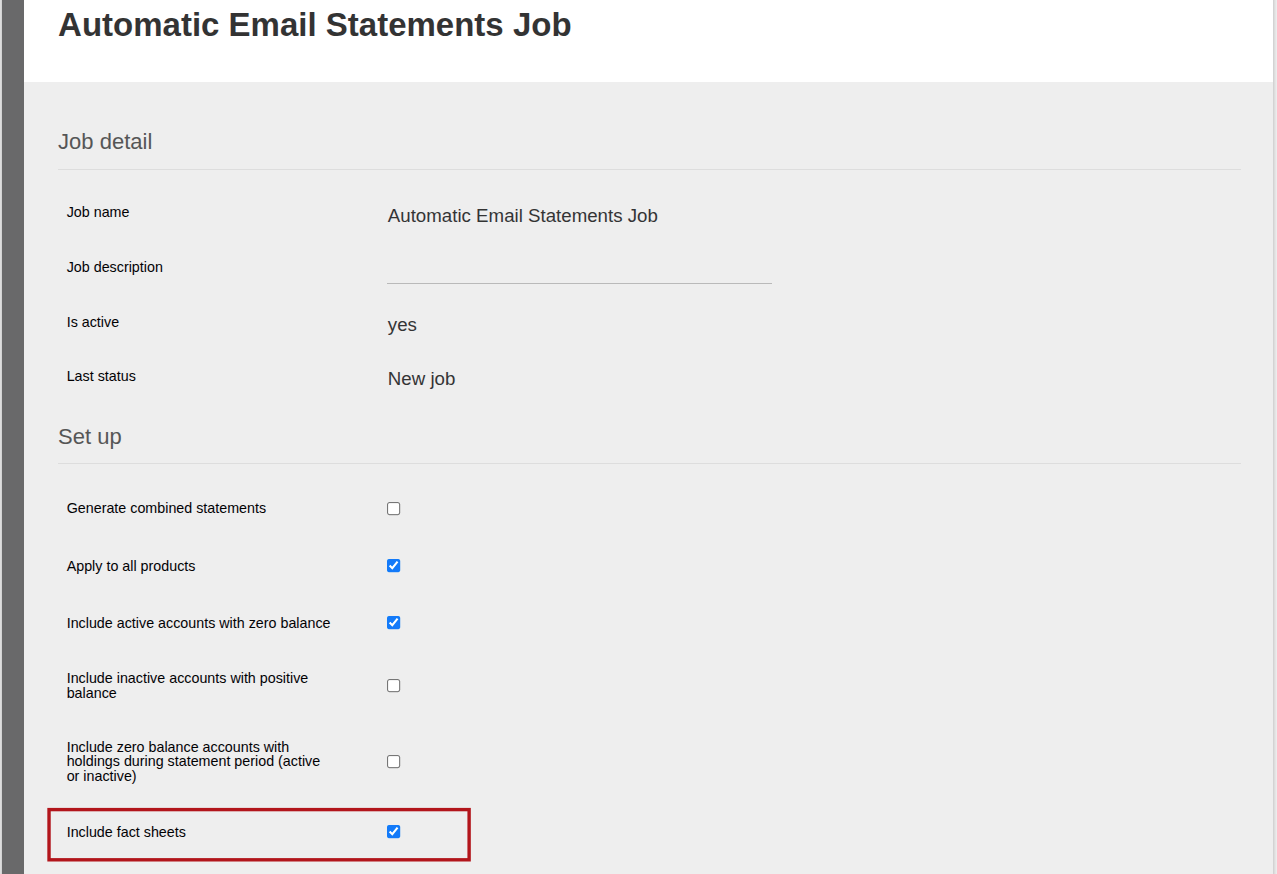
Fact sheets can also be added to an Automatic Email Statements Job by selecting ‘Include Fact Sheets’ on the job. If selected the last uploaded fact sheet will be emailed to the client together with the statement.
Last Updated on 1 year ago by Debra Hart