
Gain and loss certificate on offshore structured products
Gain and loss tax certificates are required for offshore products instead of IT3B certificates, to report coupons received during a tax year. This document can be generated by the system, and emailed to all investors. This can be set-up at a product level. See steps below to configure the document to be used and to generate and email the certificates.
Configuration on a Product and Country
Go to the relevant country:
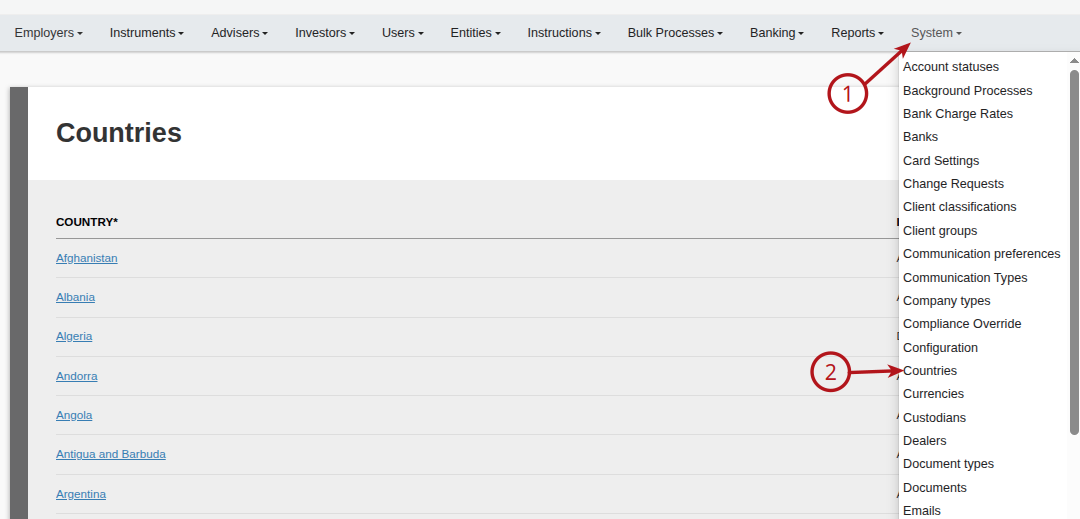
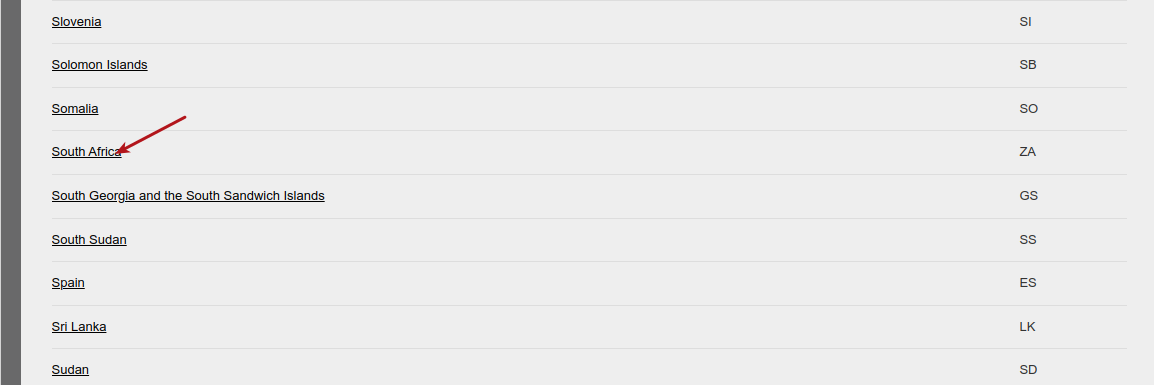
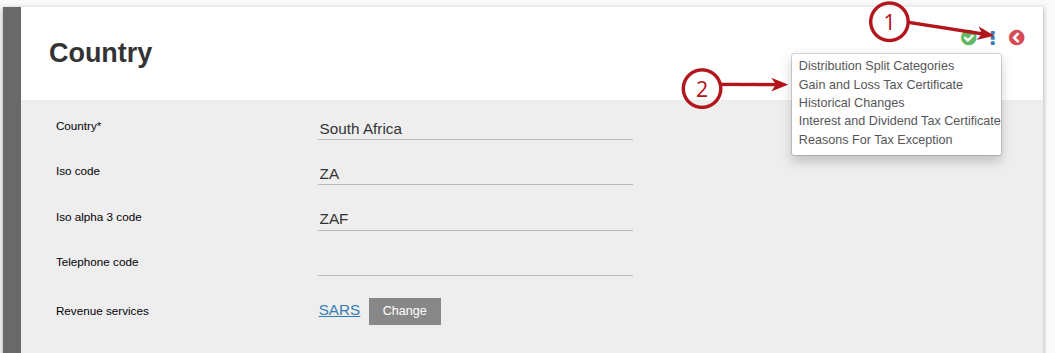
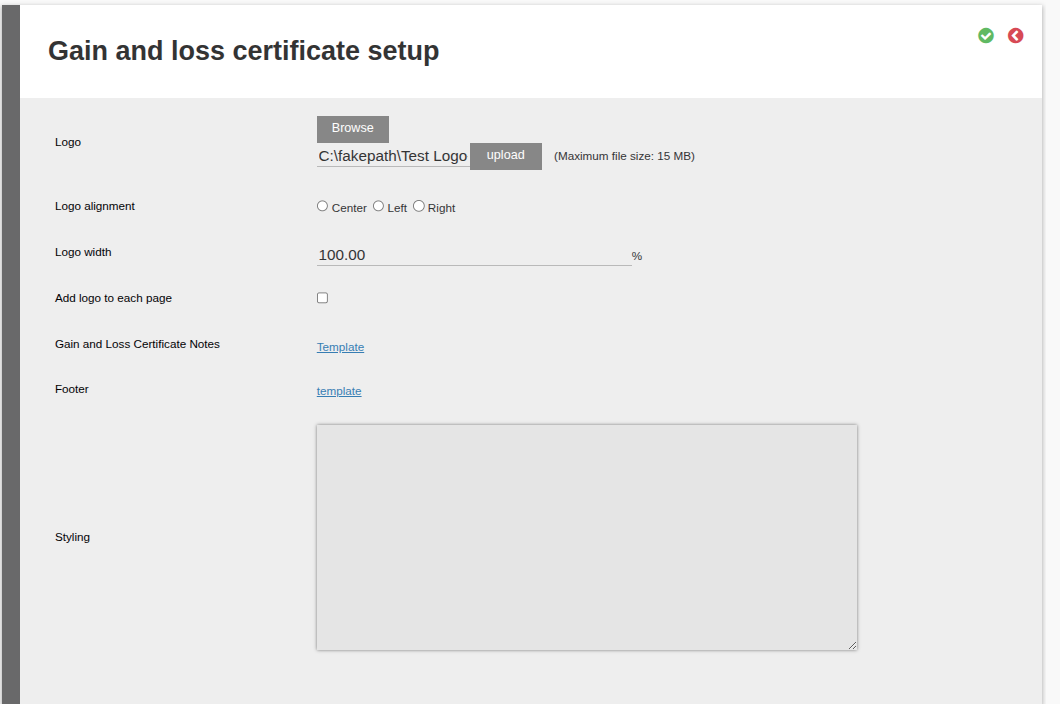
Setup the Logo, Notes and Footer as required:
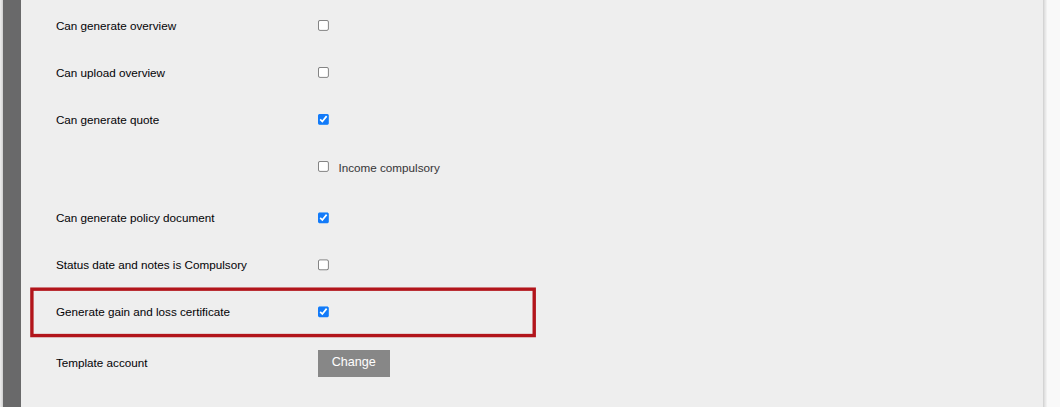
Go to the product where the gain and loss tax certificates should be generated, and select ‘Generate gain and loss certificate’ under the Settings section:
Generating Gain and Loss Certificates
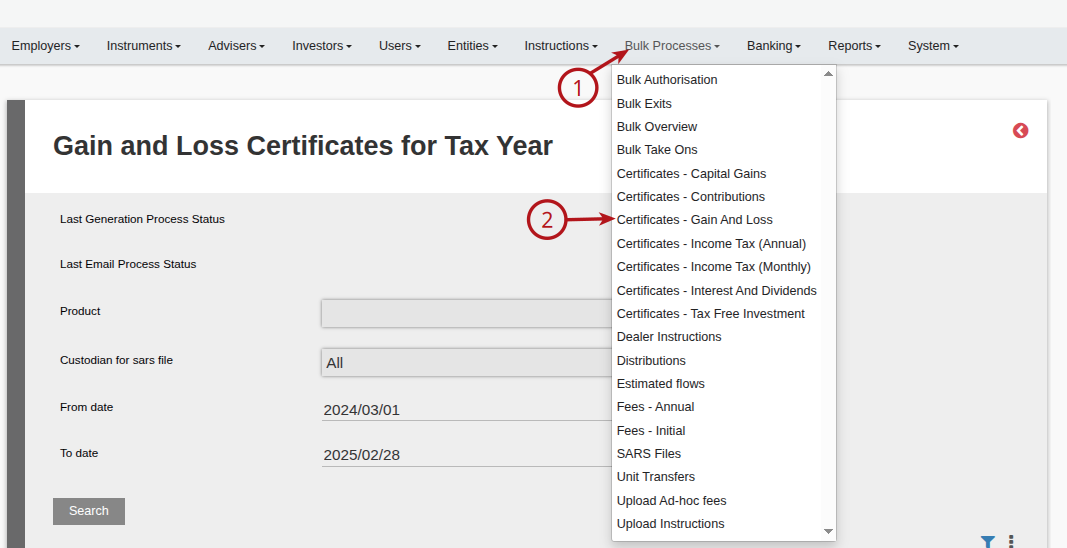
Go to Bulk processes -> Certificates – Gain and Loss:
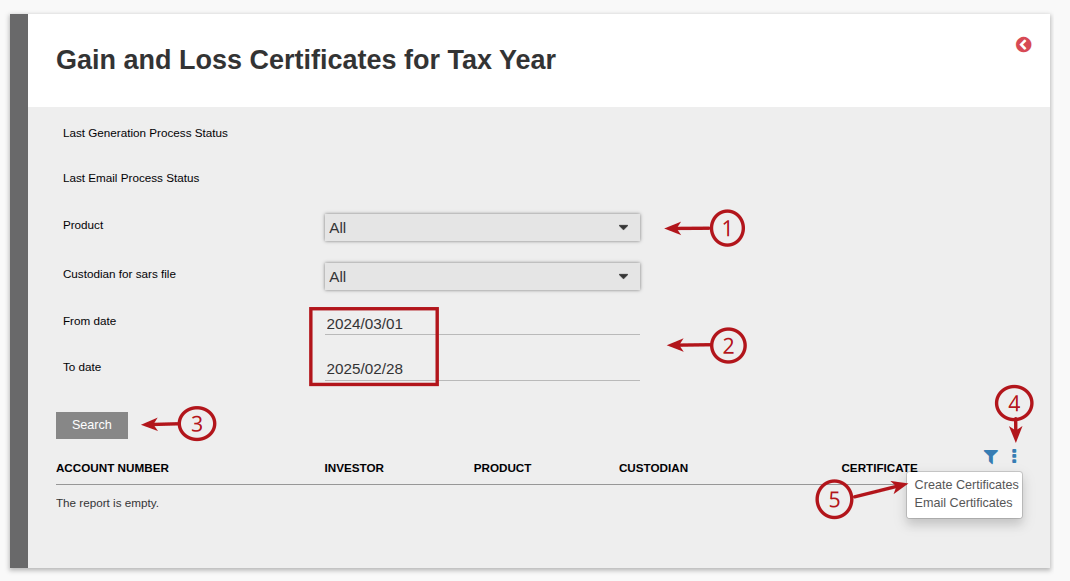
Complete the relevant information and create certificates:
Emailing Gain and Loss Certificates
In order to email the generated Gain and Loss certificates, you can edit the notification message called Gain And Loss Tax Certificate (see Notification Messages for more detail on editing and overriding at a product level) at either a System level for it to be used on all products, or override at a product level to have a unique email for a specific product.
If you then click on Email Certificates (as shown in image above) the Created Certificate will be emailed using the Notification message configuration.
You can also view the Last Email Process Status which will show you whether all emails were sent successfully or not.
Navigate to System -> Emails to view all emails sent. Or you can navigate to an investor’s Communication card, where you will also be able to see the email and attachment that was sent to the investor.
Last Updated on 1 year ago by Adrienne Dill