
General Statement Settings
Also see Investor statement defaults
General statement settings can be found at the bottom of Statement defaults.

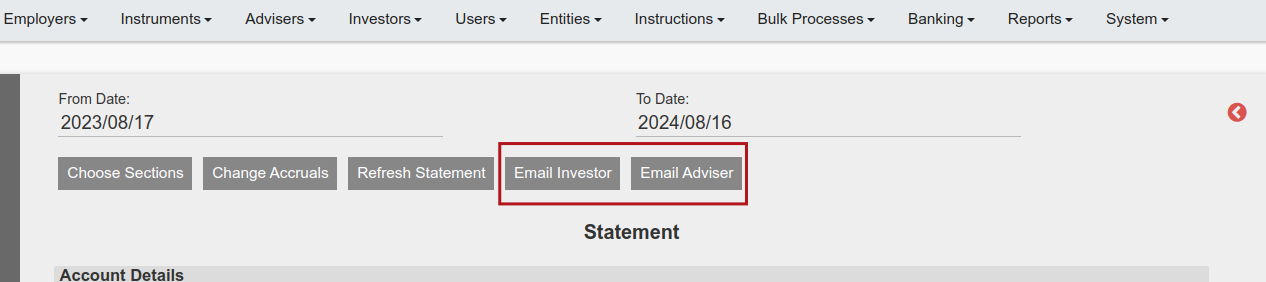
1. If ‘Allow email’ has not been ticked, the option to send a statement from an investor statement on a contract will not be available.
2. The default date format is YYYY/MM/DD, which will be used consistently on investor statements if selected. The date format can be changed by using the drop-down to D Month YYYY. Changing the date format to D Month YYYY will affect the display in sections Contract Details, Contract holdings summary, Investment summary and Transaction history on investor statements.
3. Default transaction notification statement period (in days) will determine the date to which the ‘From Date’ defaults when a statement on a contract is opened. The ‘To Date’ will always defaults to today’s date.
4. The wording completed will be used in the investor statement and will also be used in the Holdings card and Returns card on an investor contract.
Last Updated on 2 years ago by Antoinette Van Meyeren