
Import investment instructions for model portfolios
Investment instructions containing one or more Model portfolio can be imported under Investors->Import Contracts in a similar way to importing instructions containing other instruments (unitised instruments, bonds, exchange traded funds etc.)
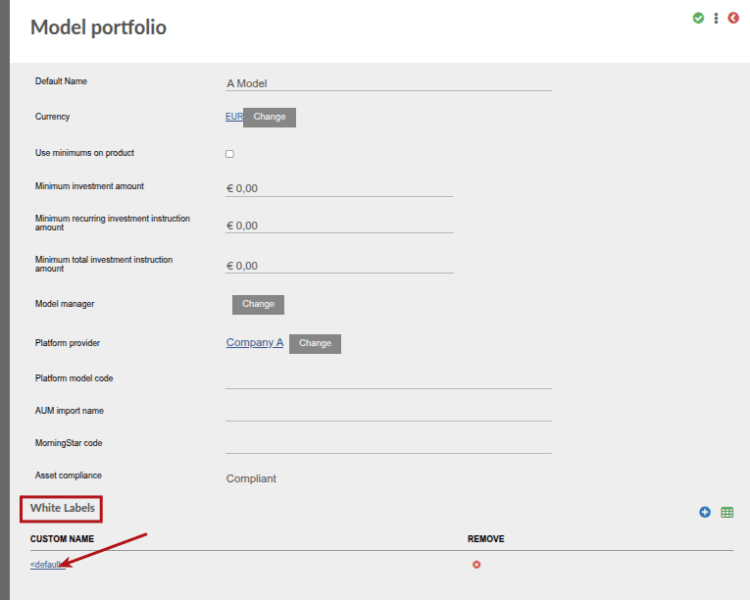
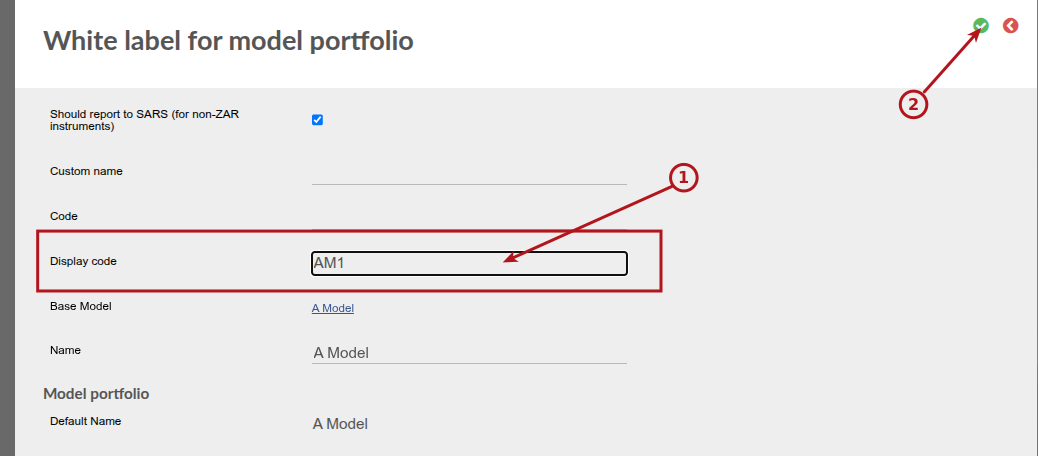
The ‘display code’ of the White Label Model Portfolio will be used in the instruction import as is the case with other instruments specified in an instruction import.
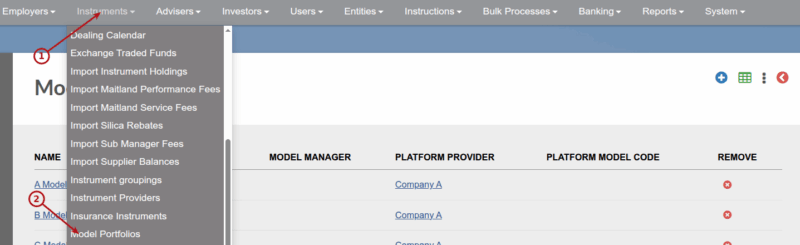
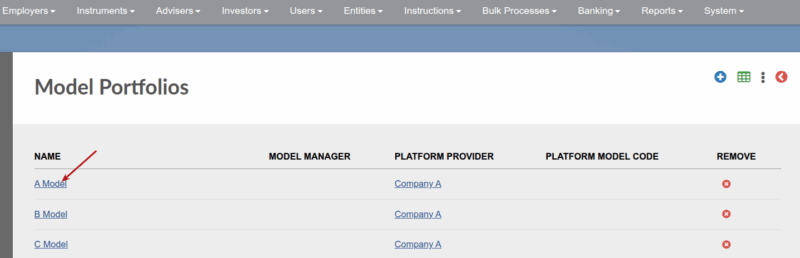
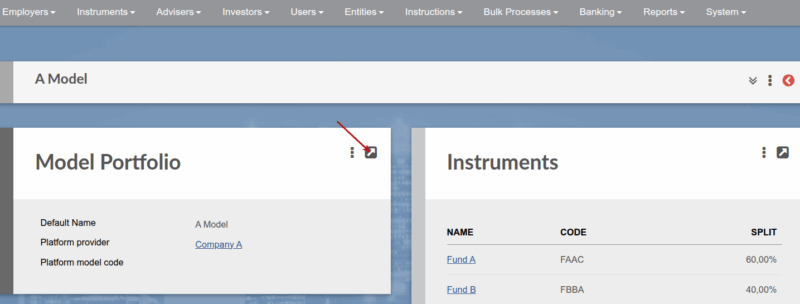
To update the Display code on a White Label Model Portfolio:
See an example import file ImportInstructionsWithModels
The column headers of columns E, F, G are the display codes of the instruments/models to include in the instruction, where column E and F represent Model portfolios.
Also see Import Contracts
Last Updated on 1 year ago by Antoinette Van Meyeren