
Instrument Performance Comparison
- The Instrument Performance Comparison is used to compare the performance of the individual instrument linked to a Product
- For more information regarding Products refer to: Adding a Product
- For more information regarding Instruments refer to: Adding a New Instrument
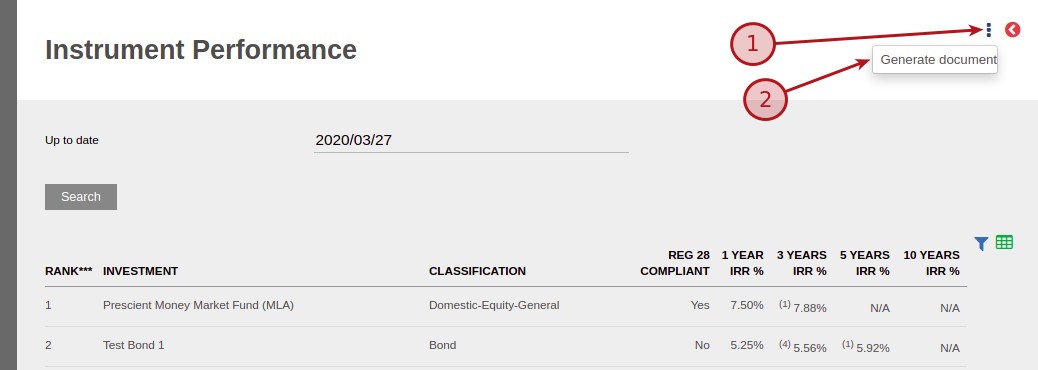
From the Products Card select (1) More Actions -> (2) Performance Comparison

Select the date up to which the comparison need to be performed and click on the search button

NOTE:
- RANK – The default ranking is based on the 1 year performance
- INVESTMENT – Instrument Name
- CLASSIFICATION – Instrument Classification, refer to CLASSIFICATION section below
- REG 28 COMPLIANT – Regulation 28 Compliance, refer to REG 28 COMPLIANT section below
- IRR % – List the IRR% for year 1,3,5 and 10, refer to IRR section below
- Benchmark – Also listed is the caparison to the Benchmark, refer to Benchmark section below
CLASSIFICATION
- From the individual instruments i.e. Collective Investment Schemes Card, select the “Fund classification” from the drop-down list
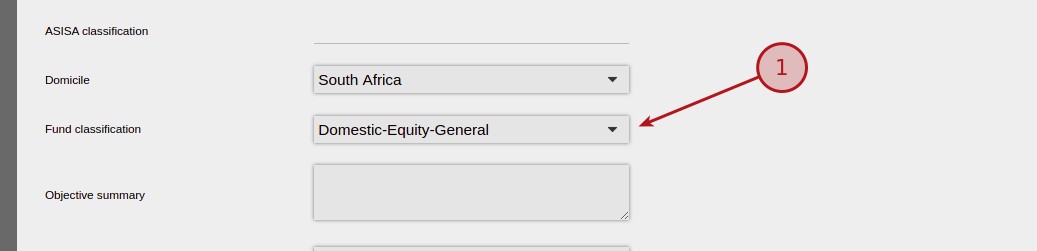
NOTE: The following Classifications are fixed
- Bonds – Bond
- Shares – Share
- Cash Instruments – Cash
REG 28 COMPLIANT
- Selected from the individual instruments i.e. Collective Investment Schemes
- From the Collective Investment Schemes Card, populate the field “PIGS compliant”

NOTE: If this field contains any information, the report will indicate “YES”
Include In Performance Comparison Report
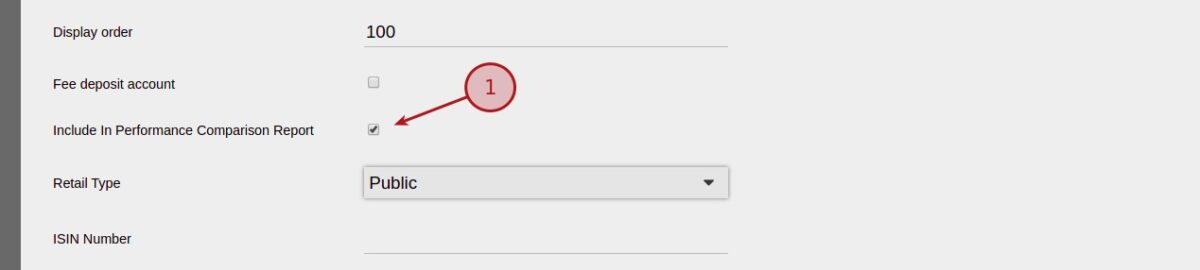
The option is available to exclude the instrument from the instrument performance comparison
- Selected from the individual instruments i.e. Collective Investment Schemes
- From the Instruments/Classes Card, select one of the instruments
- From the Instruments Card, select View Details
- Navigate to “Include In Performance Comparison Report” and select / deselect
IRR
- The IRR end date for calculations is the “Up to date” as per the Instrument Performance Card
- The start date for the 1, 3, 5 and 10 Years is based back from the end date (Up to date) taking back 1, 3, 5 and 10 years prices
- IRR is based on the price of the individual instruments

NOTE: IRR only calculated on variable price instruments, if not a variable price instrument the IRR will be shown as N/A
Benchmark
- From the Product card, select the Benchmark from the drop-down list
- For more information with regards to Benchmark refer to the System Menu -> Instruments -> Benchmarks

Generate Document
- From the Instrument Performance Card select (1) More Actions -> (2) Generate document
NOTE:
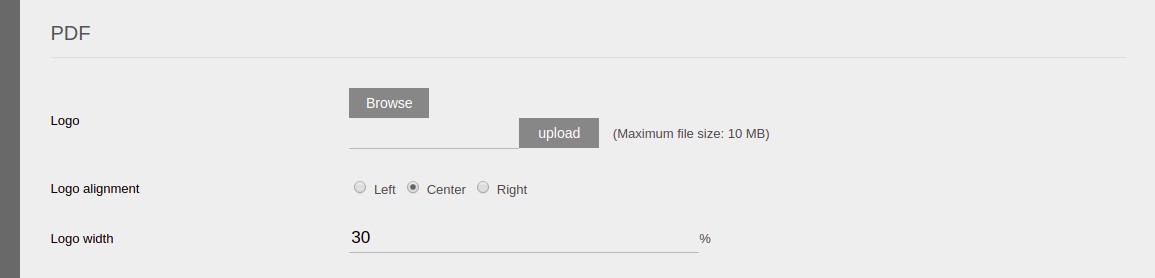
- Logo – The logo can be uploaded on the Product Card, as shown below
- If a Benchmark has been selected on the Product Card, the benchmark will be indicated on the report
- By selecting the “Generate document” at the bottom of the screen a pdf version of the Performance Comparison will be generated
Setting up header text and notes on the Instrument Performance document
Go to the relevant product->More Actions->Document templates
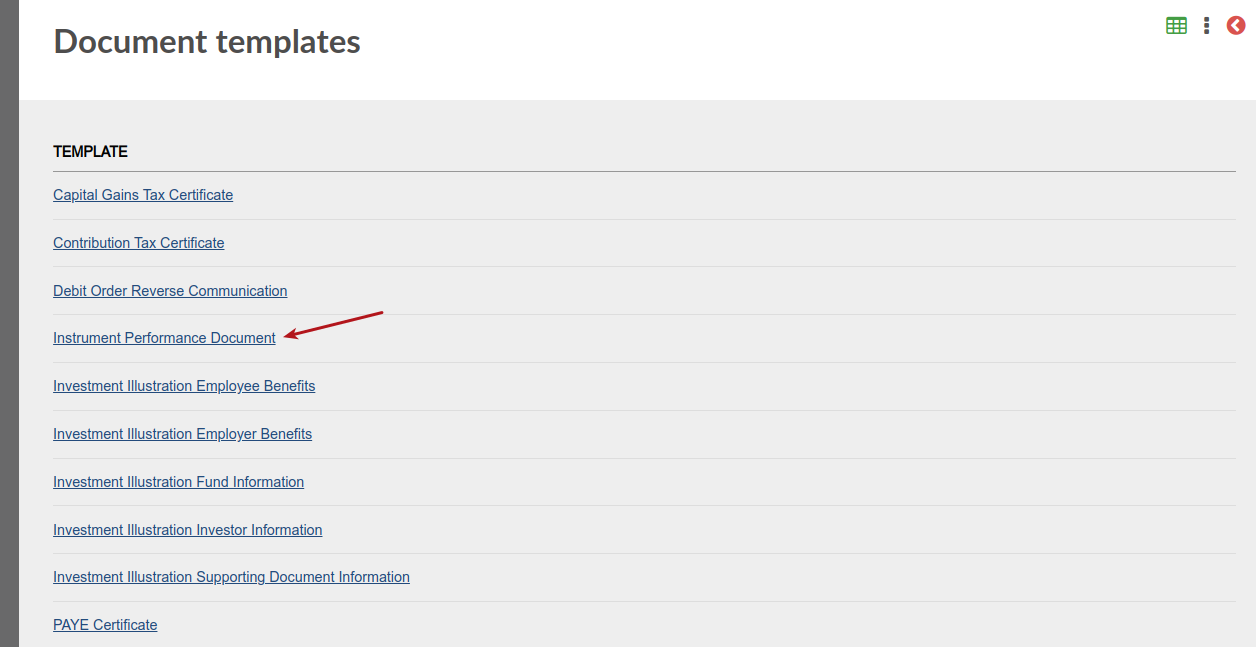
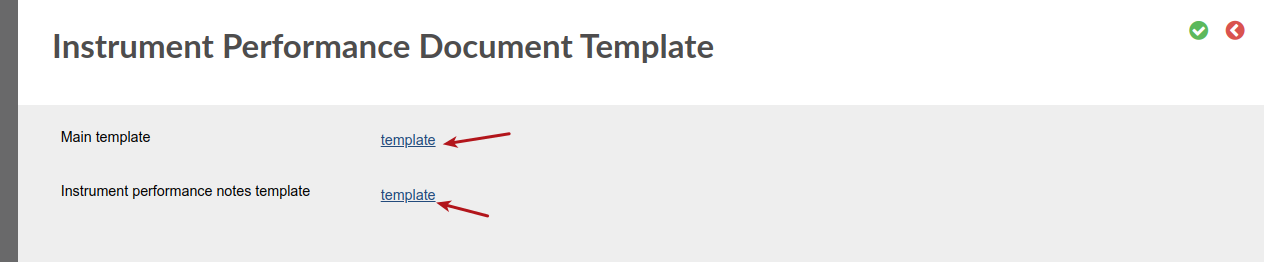
The header test van be setup under the ‘Main template’ and the notes under ‘Instrument performance notes template’
 Also see Instrument Performance Comparison – Months
Last Updated on 2 years ago by Antoinette Van Meyeren