
Internal and External System Users
Background
When an Entity has been activated as a System User, see link to Make an Entity a User, the option is available to indicate whether this is an Internal User (Group Administrator/Administrator) or an External User (Investor/Adviser/Product Viewer/Instrument Provider).
To update the User as an Internal or External User, go to the Person/Company, then the User Card and view details
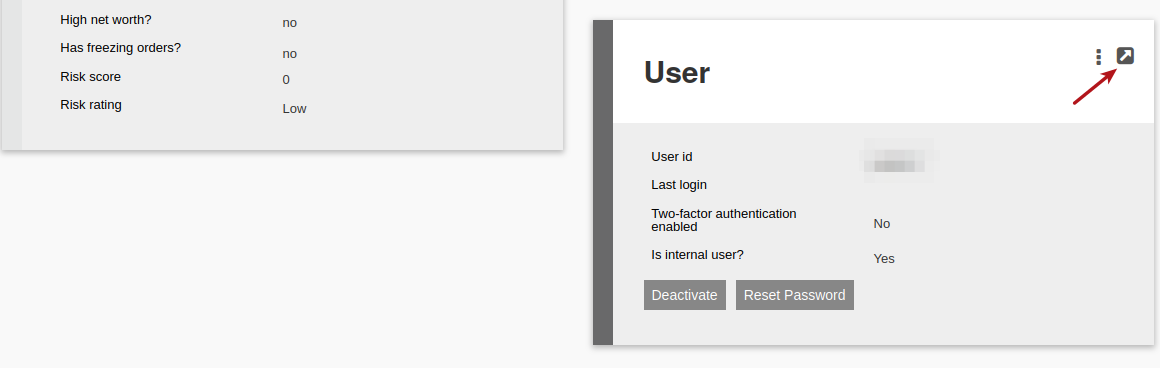
Select the Tick box (1) “Is Internal User?” to mark the User as an Internal User, alternately if this is not ticked, the User will default to an External User, then (2) save.

The User Report includes these User Types.
To download this report go to, (1) Users, (2) Users. The report will reflect (3) the User Type. This Report can then be (4) downloaded.

Last Updated on 1 year ago by Debra Hart