
Retry Failures on Automatic Email Statements Job
Also see Automated Jobs Scheduler
Where an error occurred on an automatic email statements job and all statement emails were not sent out, the failed statements can be sent by selecting the Retry failures button.
A possible cause for a statement not being sent out can be that there is no valid email address available on the relevant entity. In such an instance the email address will have to be added/corrected on the Contact details card of the entity.
Select the job with failures

Select the Last run’s start time

Instead of selecting the ‘Last run’s start time’ all job runs can be viewed
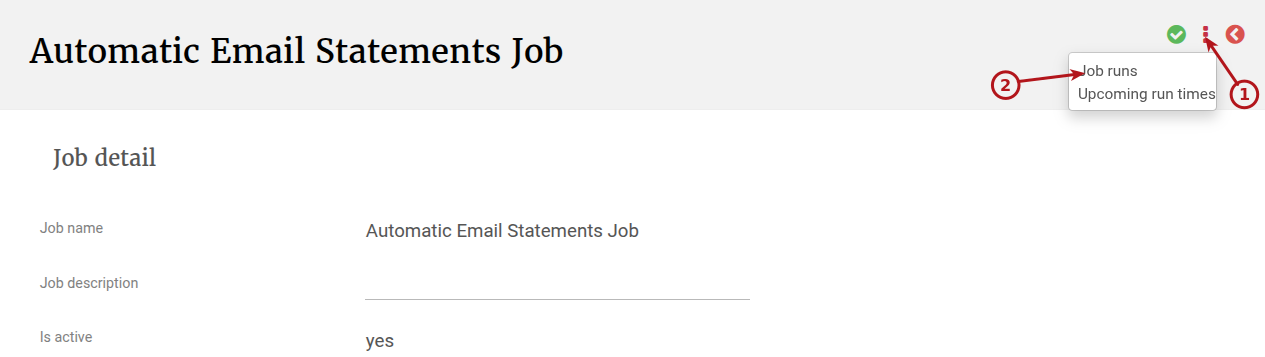
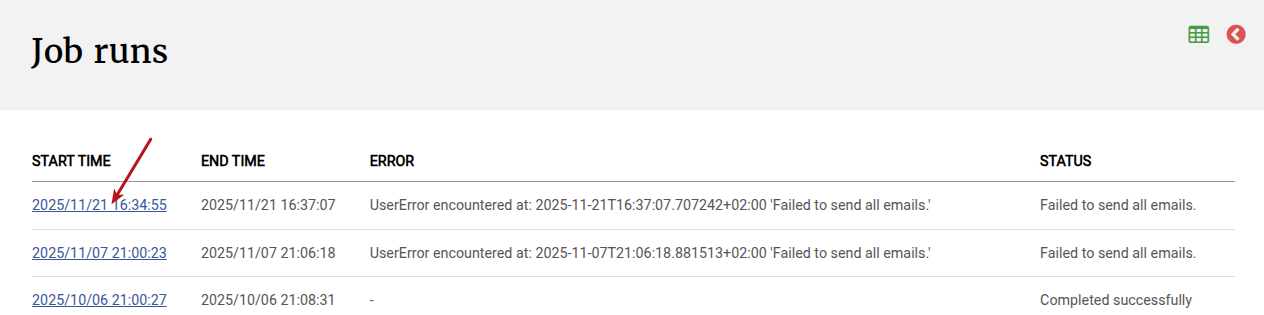
Here you can see a list of job runs to determine where there were failures. Select the start date on the job run with failures that you want to retry
Failures to send statement emails will be displayed at the bottom of the job with a reason
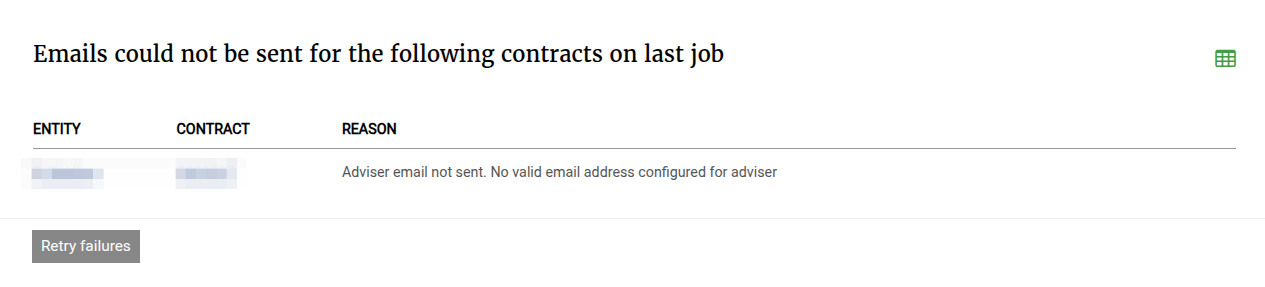
Update the adviser email address before selecting the Retry failures button
On selecting retry failures the system will create a new Job run to address only the failures
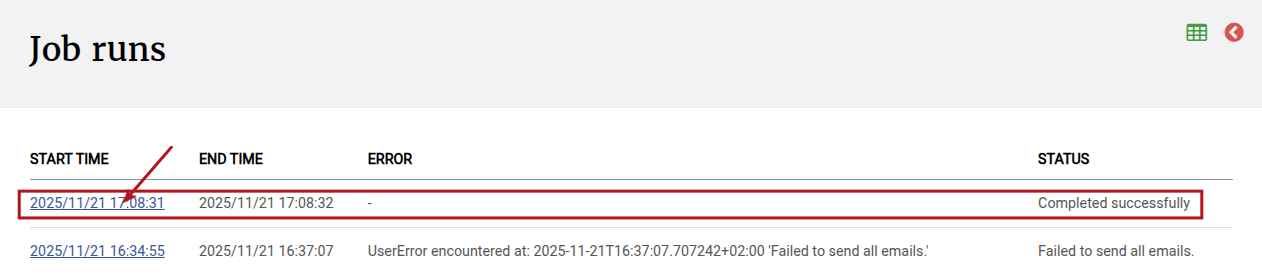
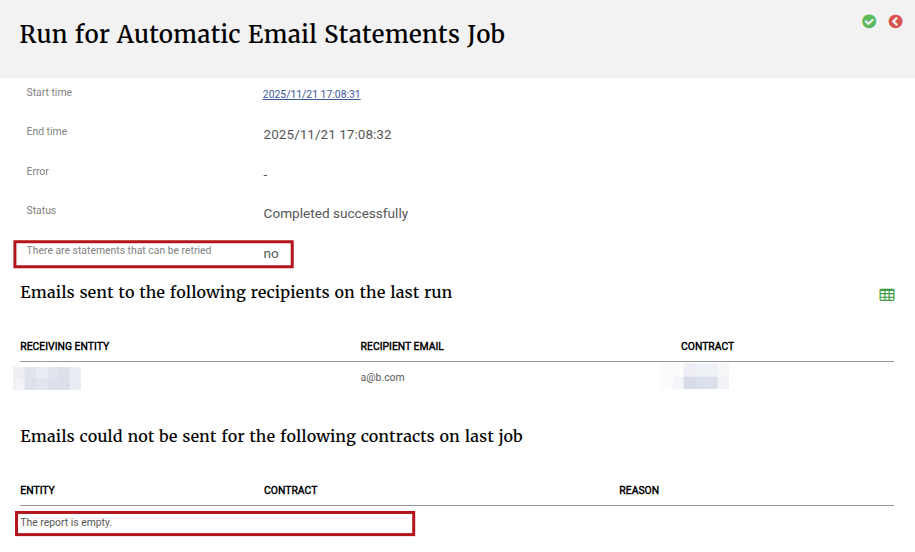
The job run indicates success and that there are no emails that can be retry and therefore the Retry failures button is also not available
Going to the previous job run where the failure occurred will now not display the Retry failure button anymore
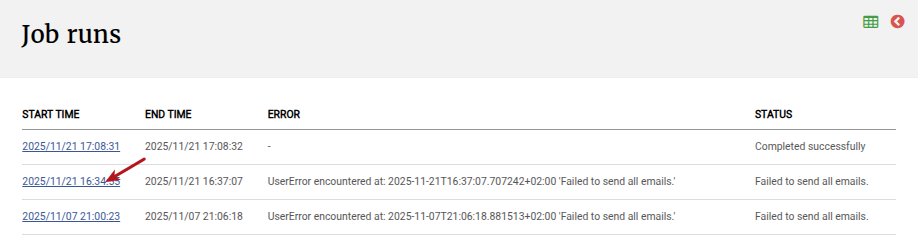
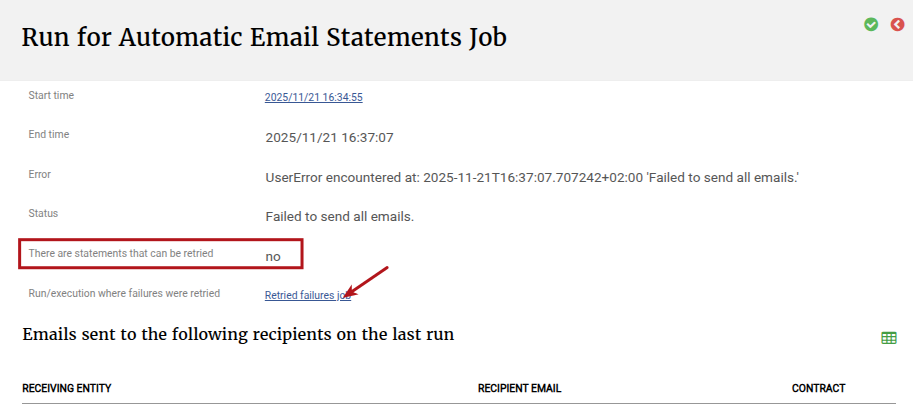
Selecting ‘Retried failures job’ will take you to the job run where the failure has been retried
Last Updated on 11 months ago by Hayley Jerram