
KYC Risk Assessment
If the Risk assessment method ‘KYC Risk Assessment Method’ has been selected under System->Configuration the risk assessment options available are:
- Politically Exposed and/or High risk
- Risk Assessment can be set on a Person or a Company
Go to the Risk Assessment Card
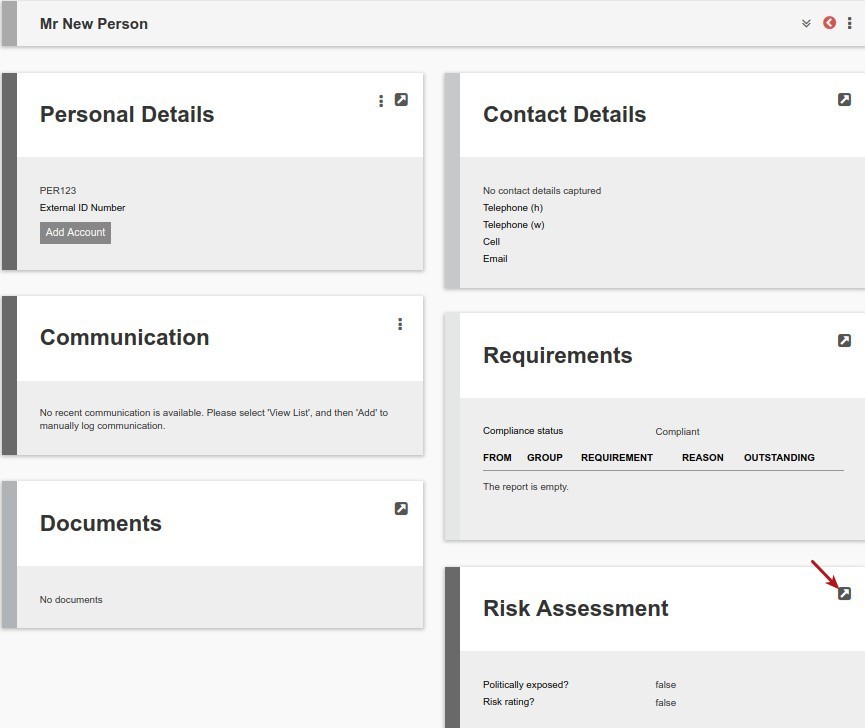
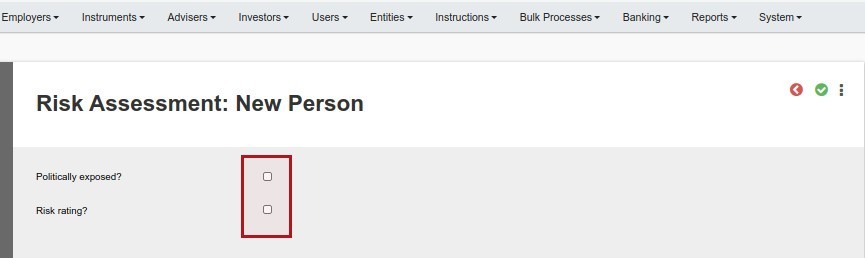
The following fields are available for Politically exposed?
- Jurisdiction
- Position
- Start Year
- Duration
- More details
The following fields are available for Risk rating?
- Reason for high risk
- Risk rating (drop-down options as setup under System->Risk Ratings)

Documents with Type/Class RiskAssessment (As setup under System->Document types) can be uploaded on View Details of the Risk Assessment Card.
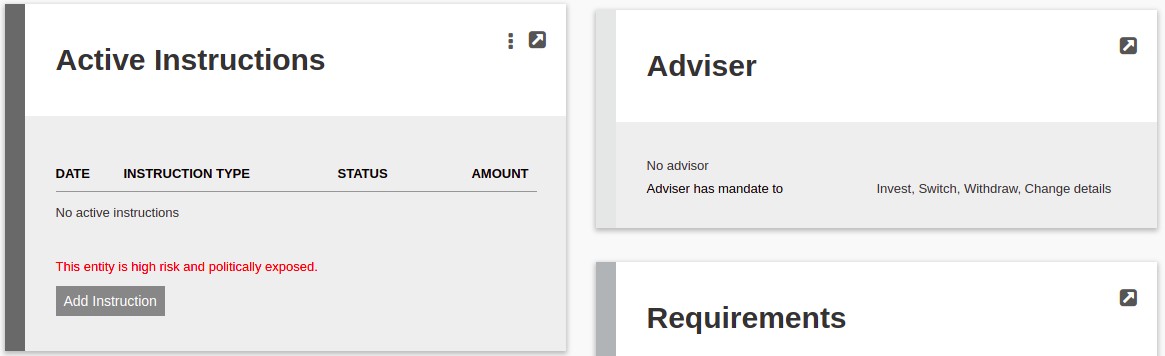
When either Politically exposed? and/or Risk rating? are set the account will be highlighted on the Account Owner Card, i.e. This entity is high risk and politically exposed., as indicated below:

The same will be displayed on the Active Instruction card, as indicated below:
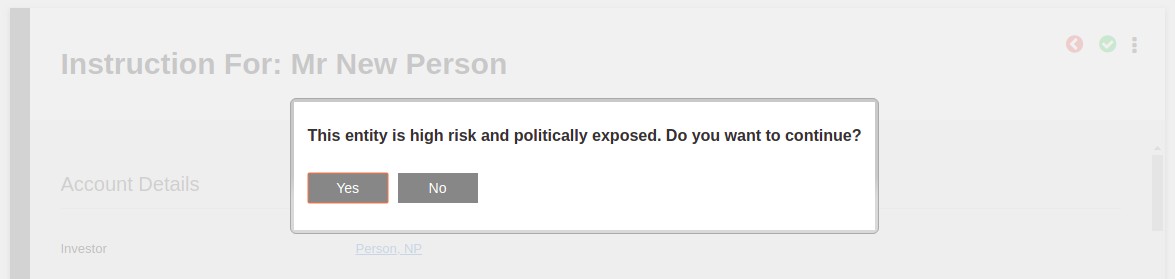
When an instruction is submitted on a Politically exposed? and/or Risk rating? entity, the user will be prompted with the following message:
NOTE: The Risk Assessment Card and warning messages will be visible to users with the ‘Global permission ‘Risk Assessment’ and/or ‘Investor admin’.
Also see Wizard Risk Assessment
Last Updated on 5 years ago by Antoinette Van Meyeren