
Setup for Automatic Exchange of Information (AEOI) Reports
The Automatic Exchange of Information (AEOI) is a global legal standard that requires financial institutions to collect and report financial account data to local tax authorities.
The following AEOI report formats are available:
- Automatic Exchange of Information (AEOI) UK
- Automatic Exchange of Information (AEOI) OECD
- Automatic Exchange of Information (AEOI) SARS
You need to do the following setup prior to running your first AEOI report:
Go to System -> Countries
All countries are automatically selected to be included in the AEOI Report. You need to deselect the Countries you do not want to include in the report.
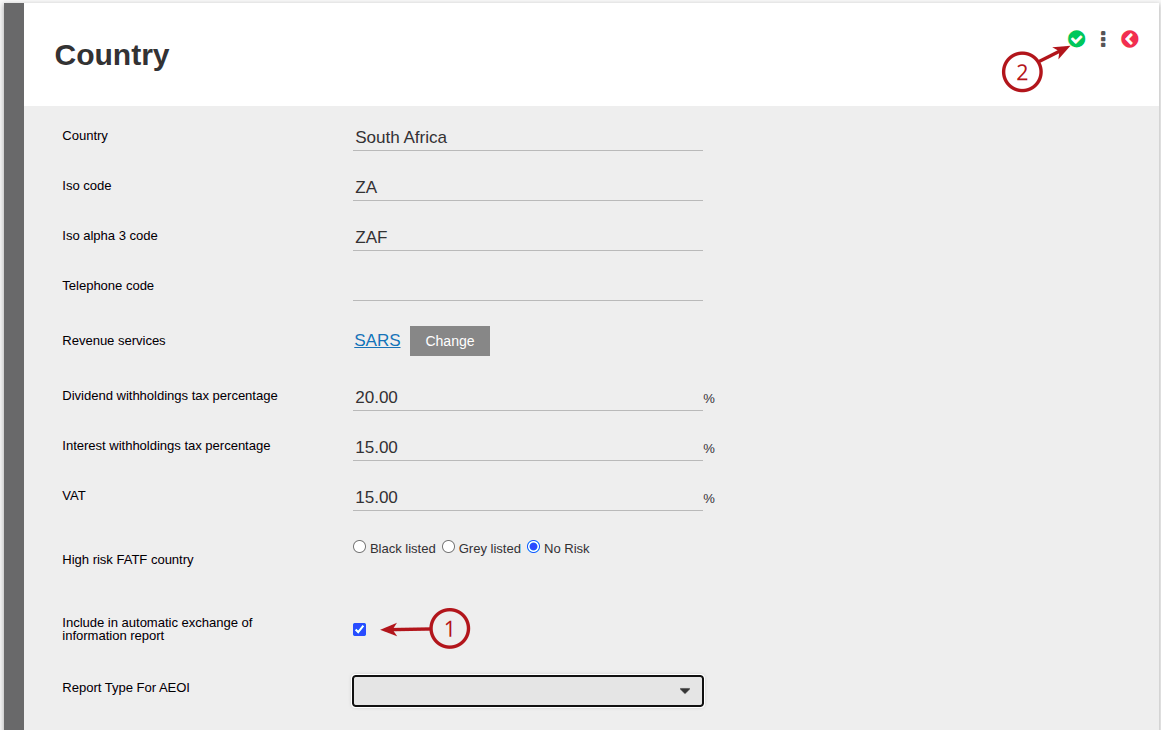
The following steps are only applicable if you are using the Automatic Exchange of Information (AEOI) SARS Report format:
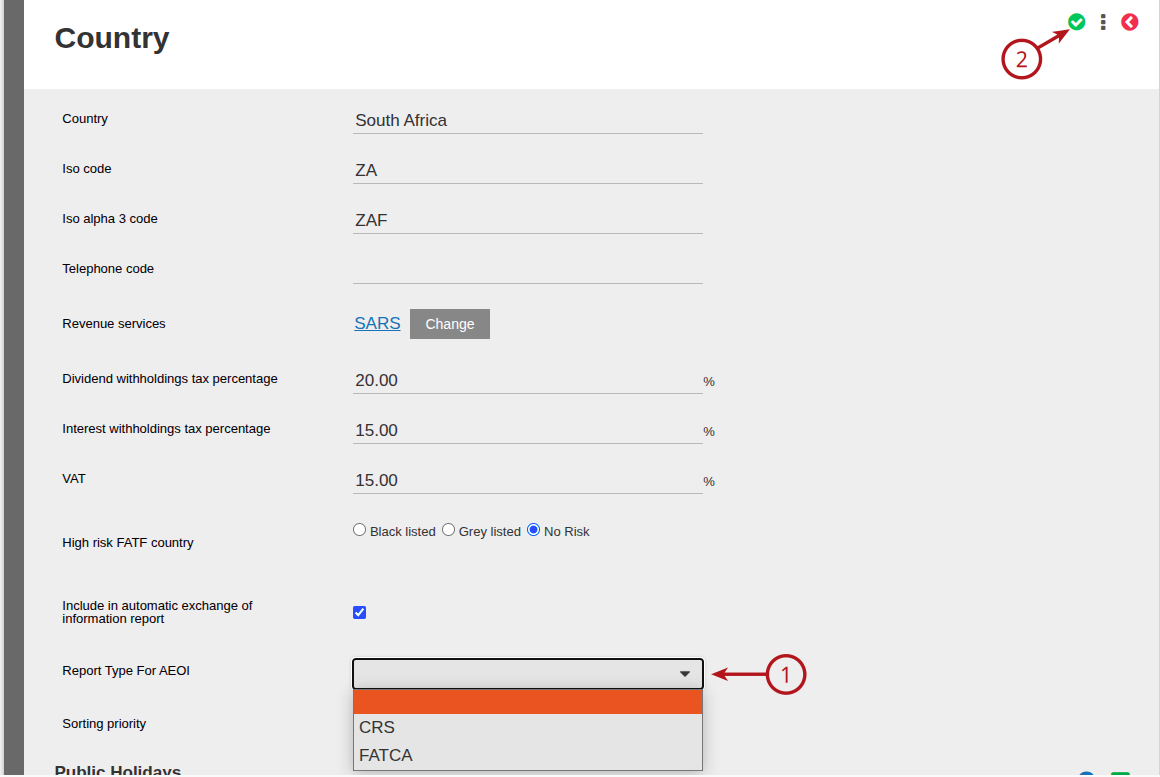
On the countries you do want to include in the AEOI report, you will need to choose the Report Type for AEOI:
- FATCA – United States of America (US)
- CRS – Rest of the world
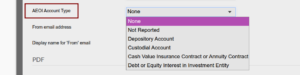
On the product, you will need to select the appropriate AEOI Account Type:
Also see Generate automatic Exchange of Information reports
Last Updated on 1 week ago by Jamie Chinsamy