
Setup format for Interest and Dividends Certificates
Using Distribution Split Categories to render data in IT3(B) certificate
Before setting up your Interest and Dividend Certificates, start with setting up Distribution Split Categories as defined in this help file
Also see this help file for detail on what each setting in the Split Category definition means.
For specific information regarding Withholding Tax on Foreign interest or Withholding Tax on Foreign Dividend, to ensure this is rendered correctly in the IT3(B) certificate, please see this section.
Setting up the Interest and Dividend Certificate
The setup as explained below will result in this example interest and dividends certificate:
 SETUP:
Go to the relevant country (System->Countries) to which the ‘Interest and dividends certificate applies:
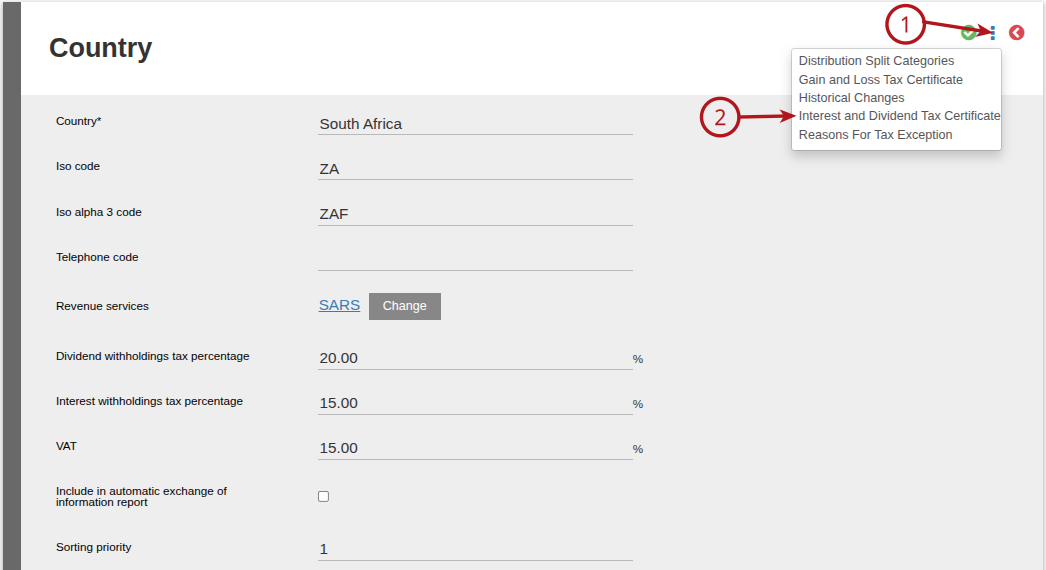
Add the distribution type to be displayed on the interest and dividend certificate
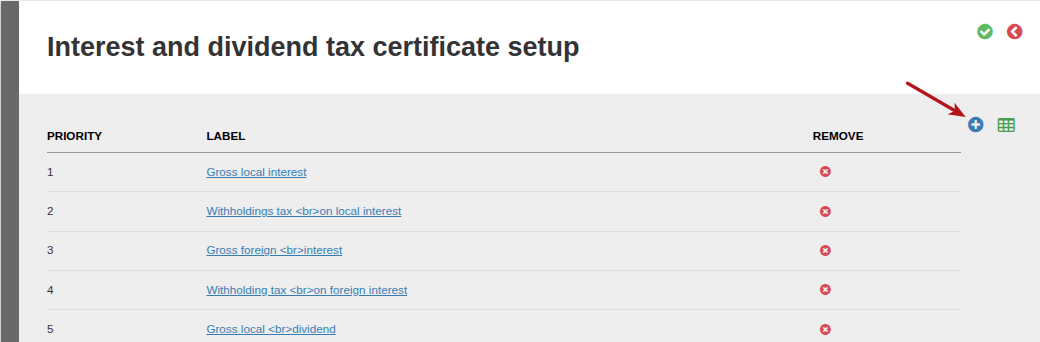
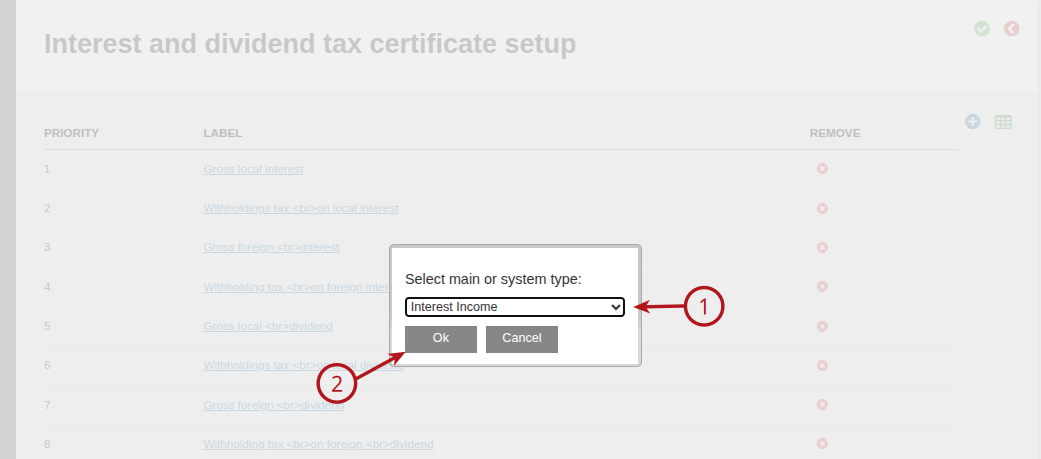
Click into the type added
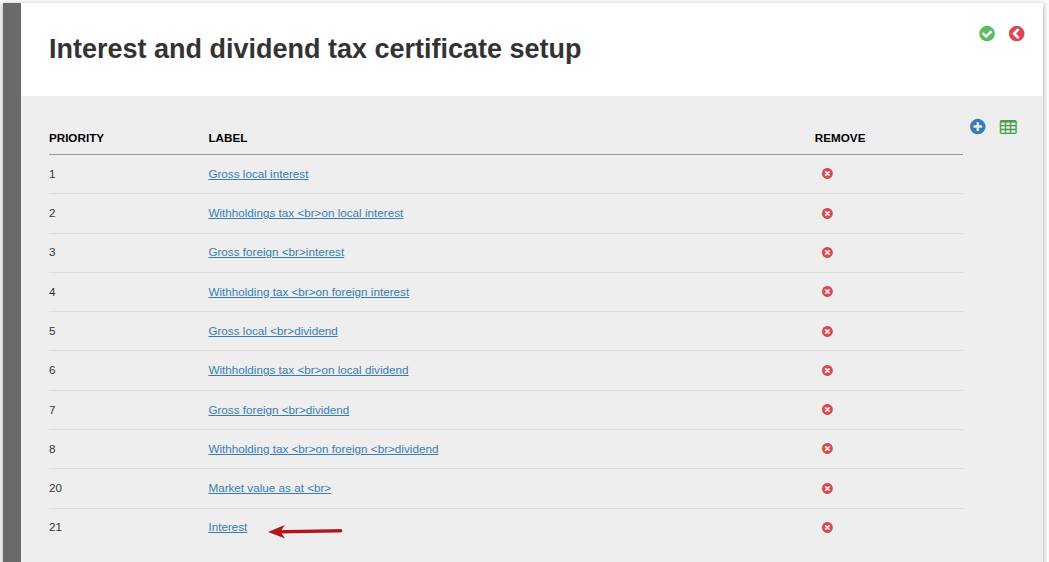
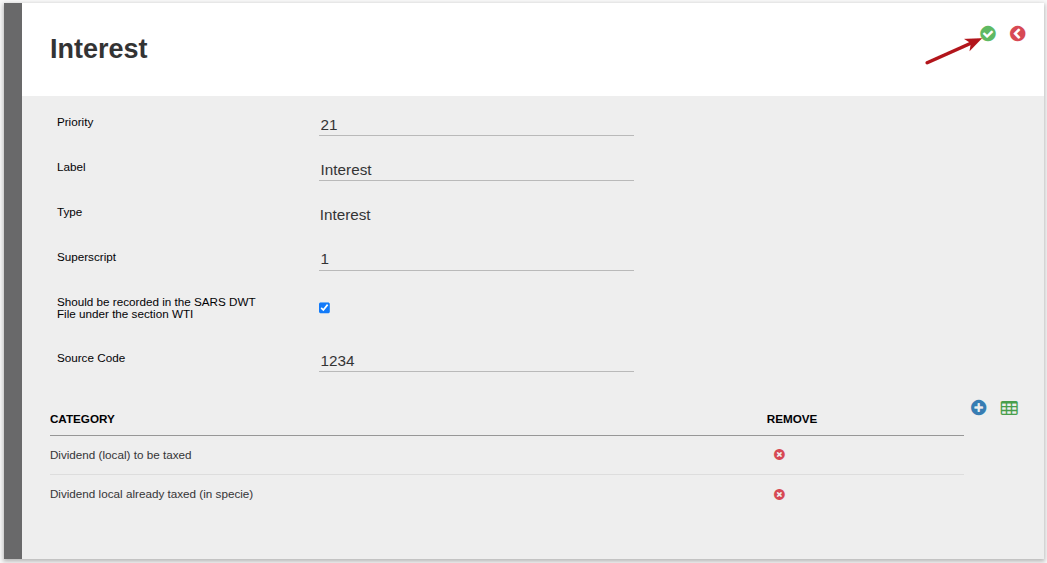
Complete the required fields and save
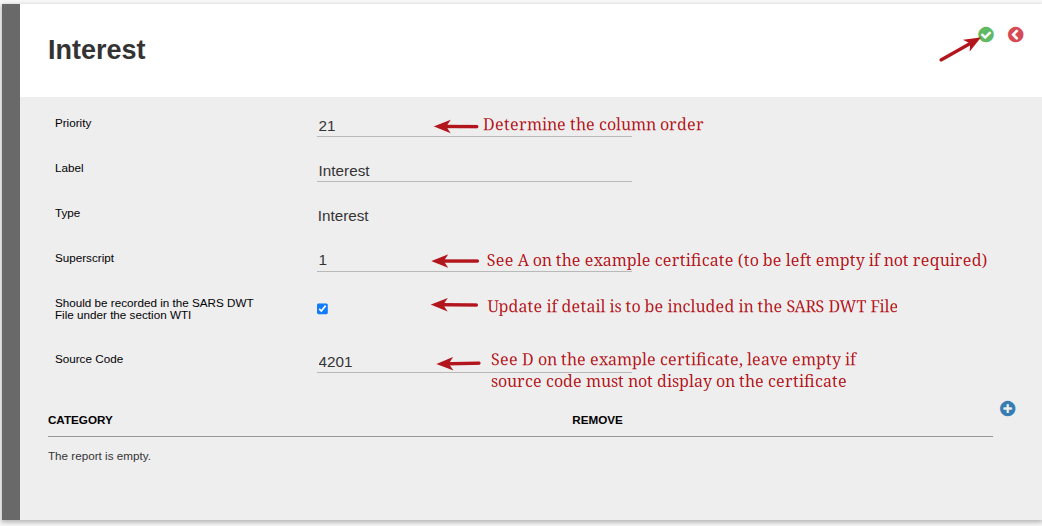
Click into the type added again
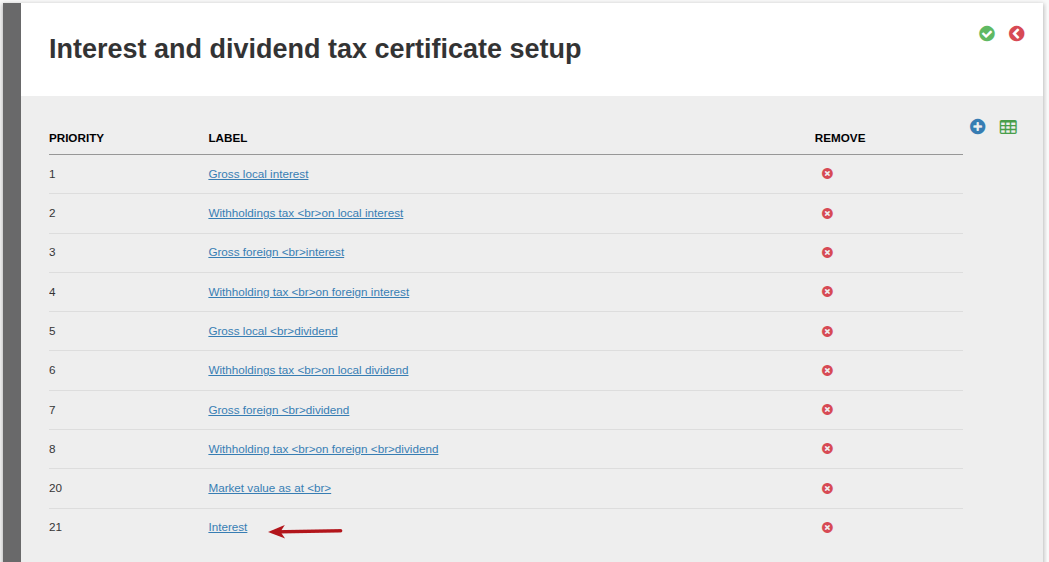
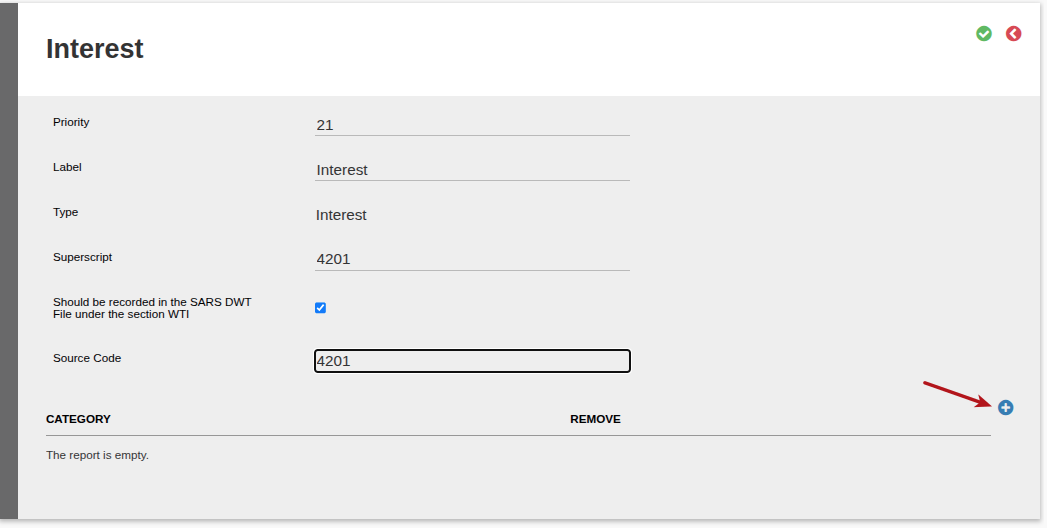
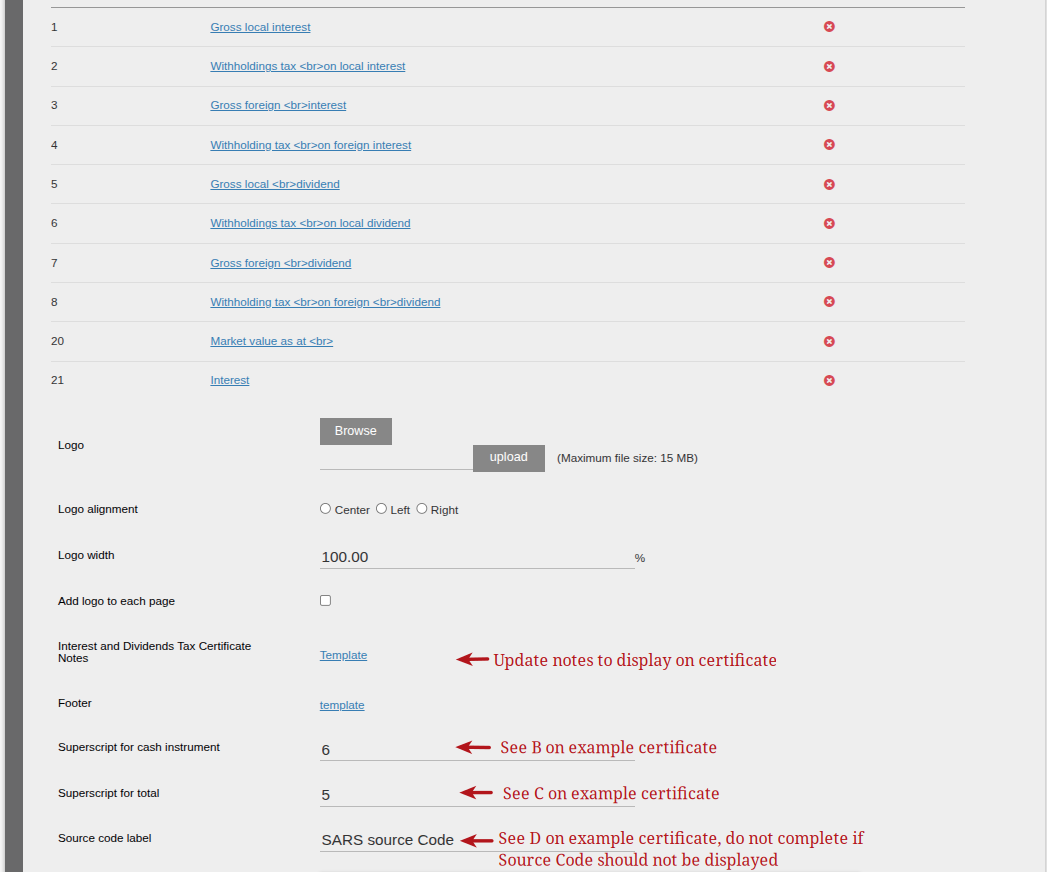
Select the split categories that need to be included and summed up in the type
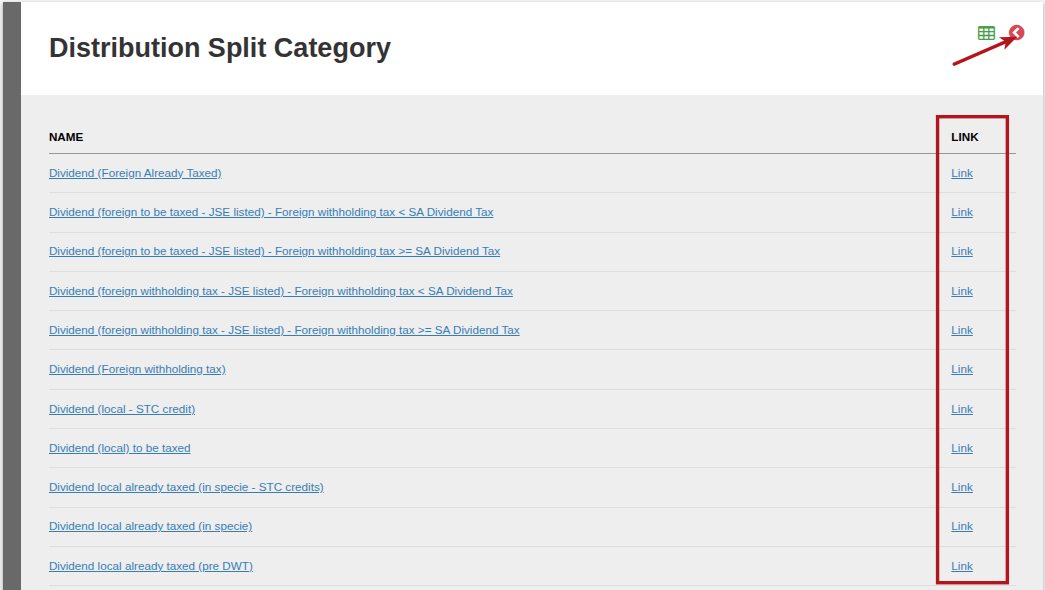
Click on Link for the relevant Split Category/ies to be added in the specific column of the certificate, and click back to return to the previous page.
Click Save to save the split categories to this column:
Follow the same procedure for the other types to be displayed, and save
NOTE:
- All split categories need to be linked to a label to be included and summed up in the type. If a new split category is added it also needs to be linked to a label to be included and summed up in the type.
- Columns with zero values: All configured columns will appear on the Interest and Dividends Certificate, even if the value for a particular category is zero. Columns are not hidden or suppressed based on whether they contain a value.
Withholding Tax on Foreign Interest and Foreign Dividend
A Distribution Split Category defines when Withholding tax must be withheld by the system, by checking the “Has interest withholding tax” or the “Has dividend withholding tax” checkbox, as per this help file. To understand how we determine what the withholding tax rate should be, see this help file.
Assuming ‘Has withholdings tax’ is checked on the contract’s product, a ‘Withheld Tax On Distribution Transaction’ is created with distribution splits into all distribution split categories applicable on the distribution and that have withholdings tax defined as applicable.
On the Interest and Dividend certificate setup you can add columns/labels for Dividend Income, Interest Income, Other Income, Market Value, Withholdings tax on dividends, and Withholdings tax on interest.
On a “Withholding tax on Dividend” and “Withholding tax on Interest” type column/label there are two ways in which amounts are considered part of the column/label:
- If a distribution split category is present on that label that is also present on a ‘Withheld Tax On Distribution Transaction’ then we include that distribution split amount. This is the withholding tax amount that our system withheld, since “Has interest withholding tax” or the “Has dividend withholding tax” was checked on the distribution split category
- If a distribution split category that is defined as ‘minus’ is present on that label that is also present on a ‘Distribution Exchange Transaction’ then we include that distribution split amount as a positive value. This is a tax portion that is not withheld by our system, but was previously withheld. As per the distribution split category, it’s a negative number since it reduces the total dividend earned. But it gets added in the certificate since we want to show the total withholding tax paid, whether withheld by Finworks or whether paid before the distribution was allocated on Finworks.
Last Updated on 5 months ago by Tinus Burger