
Workflow Actions
Workflow Actions forms part of the Workflow Tasks, for more information refer to Workflow Tasks for Investor – and Instrument Instruction
Workflow Actions can be added to the following levels:
- Entity
- Group Scheme
- Instruction
- Instrument Instruction
List of Workflow Actions
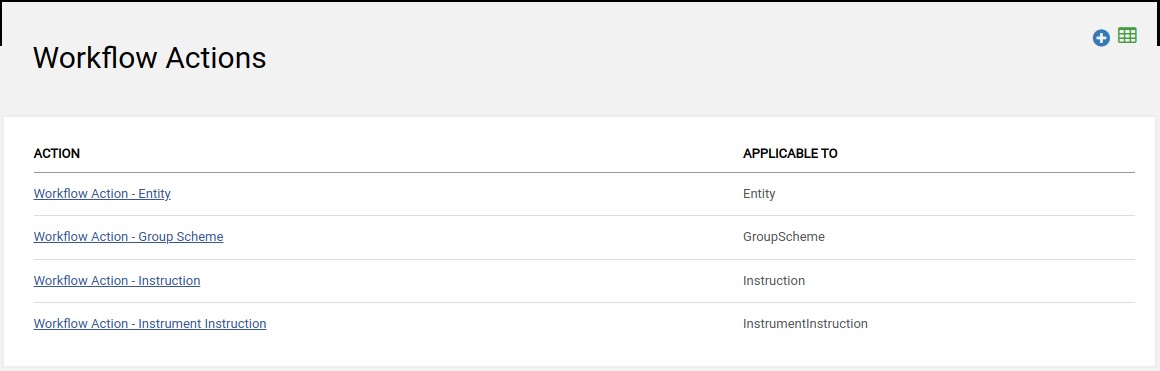
Navigate to Workflow Actions from the main menu: System -> Workflow Actions
- A list of existing Workflow Actions will be displayed.
- To edit click on the link under the ACTION column or alternatively add new action by selecting the add button.
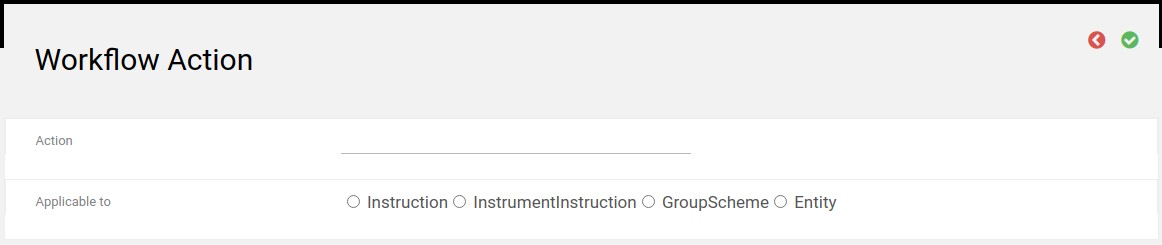
New Workflow Action
- Action – This is the name that will be displayed in the drop down list
- Applicable to – This is to define the level the action must be available on i.e. Entity, Group Scheme, Instruction or Instrument Instruction
Last Updated on 5 years ago by Tinus Burger