
Fee statement defaults
Fee statements are always generated at a brokerage level.
Brokerage Fee statement defaults can be setup under the Advisors main menu:


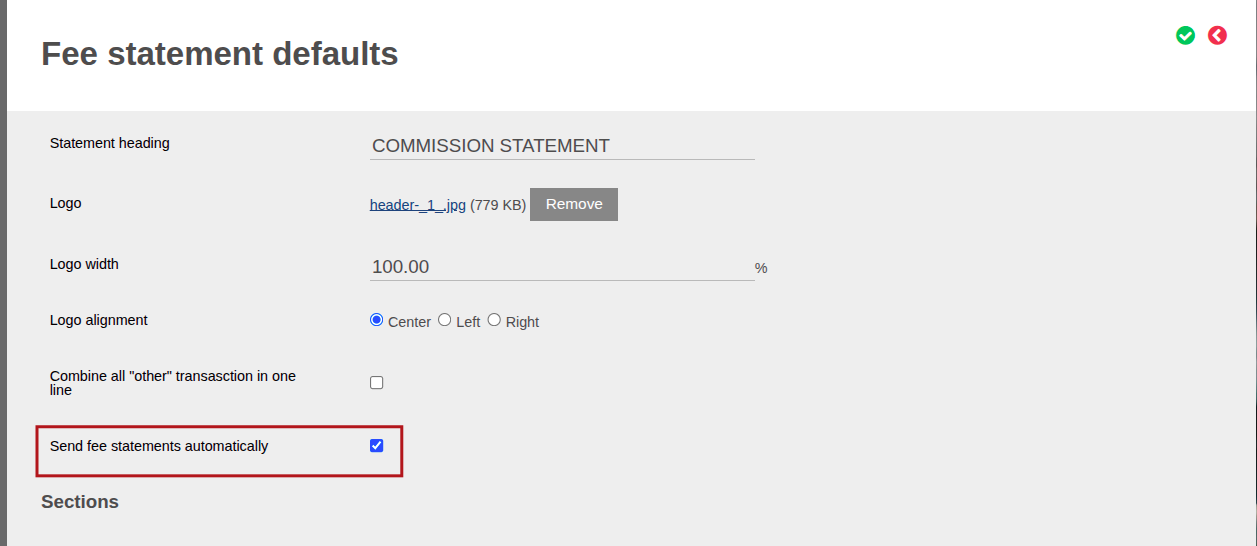
- In Fee statement defaults, you can check Send fee statements automatically, which means that if the “Automatically Email Fee Statements Job” is setup on the configuration, see link then this brokerage will be included in the job.
- NOTE: Even if a Brokerage has Send fee statements automatically checked and is included in the job run, they will not receive a fee statement email if the Only include brokerages with transactions in period has been enabled on the job and there were no transactions in the statement period, refer to Fee statement
Configurable Brokerage Contract Details to display on the Fee Statement
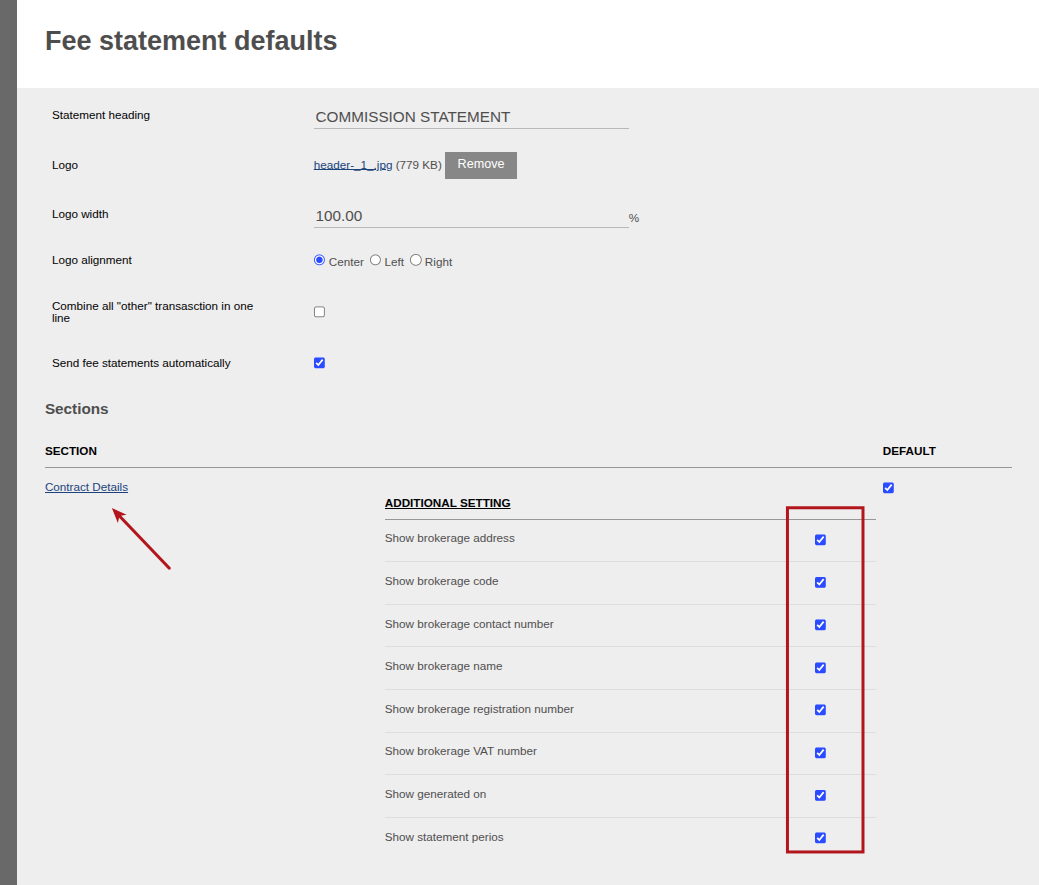
Under the Contract Details section, you have the ability to customise which Contract details will be displayed on a Brokerage Statement:
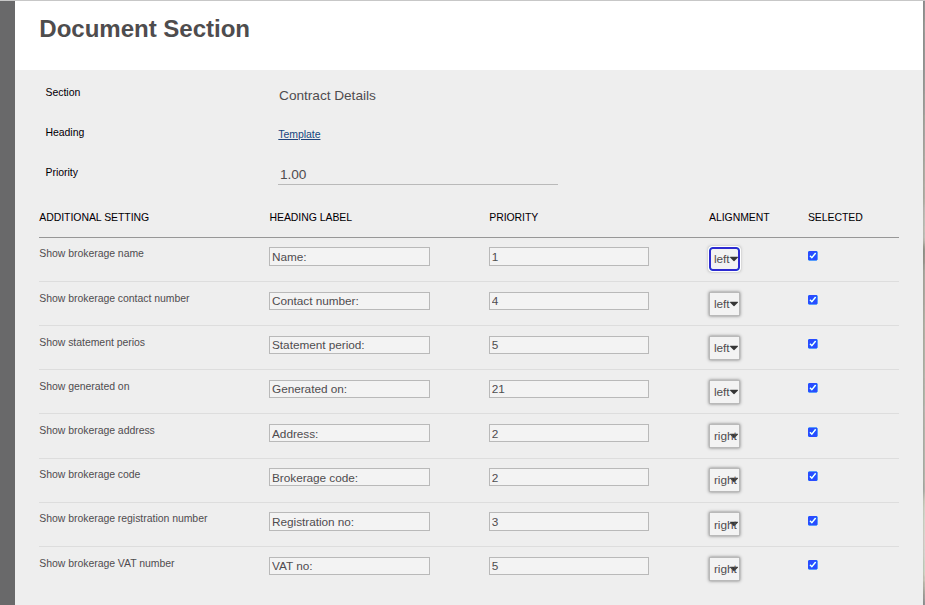
By clicking into the Contract Details hyperlink, you have the ability to select the priority order of appearance and the alignment of the information.
Example of Fee Statement:

On the Fee Statement defaults screen, you can customise which Transactions/Fees to display on the Fee Statement.
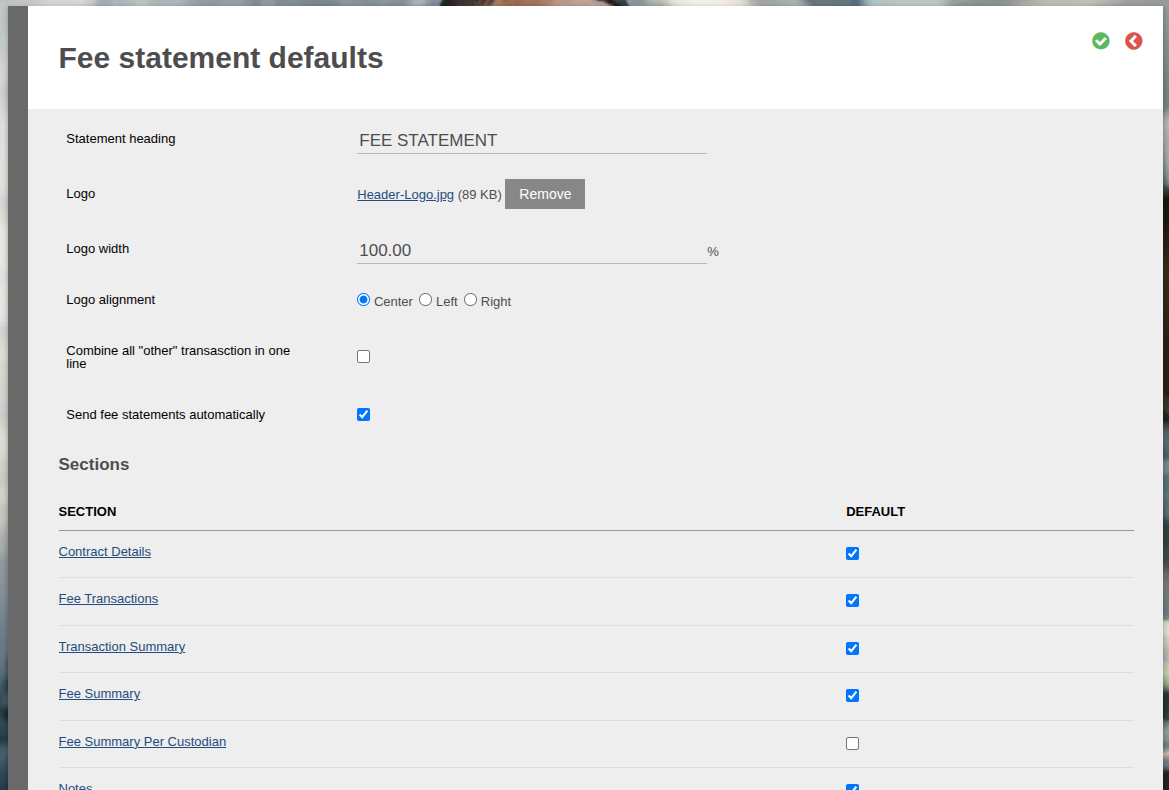
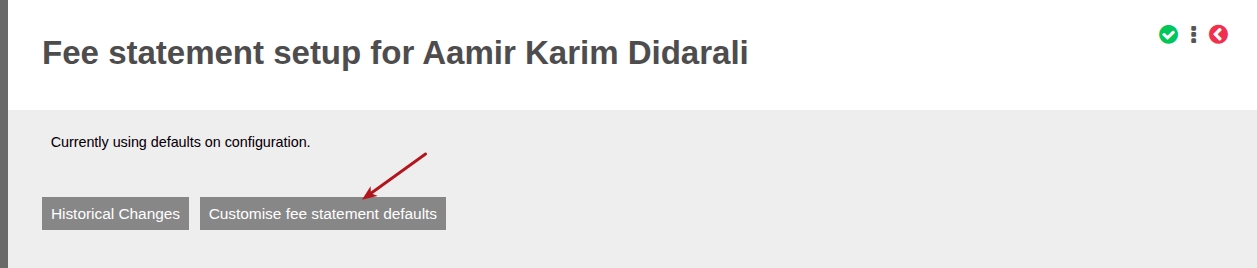
These defaults can also be overridden at an individual Brokerage level.


Select Customize fee statement defaults to amend the specified Brokerage Fee Statement defaults.
Also see Fee statement
Last Updated on 2 months ago by Debra Hart