
Per issuer validation on Regulation 28
An issuer is an entity that creates and sells securities. For certain instruments, like Shares and Bonds, you can only have a certain maximum % exposure in the instruments that an issuer (entity) sells. In other words exposure to a single issuer in your contract to comply with Regulation 28 issuer regulations.
On Asset Classes (Instruments->Asset classes) a field exists to adjust to the required maximum per issuer.
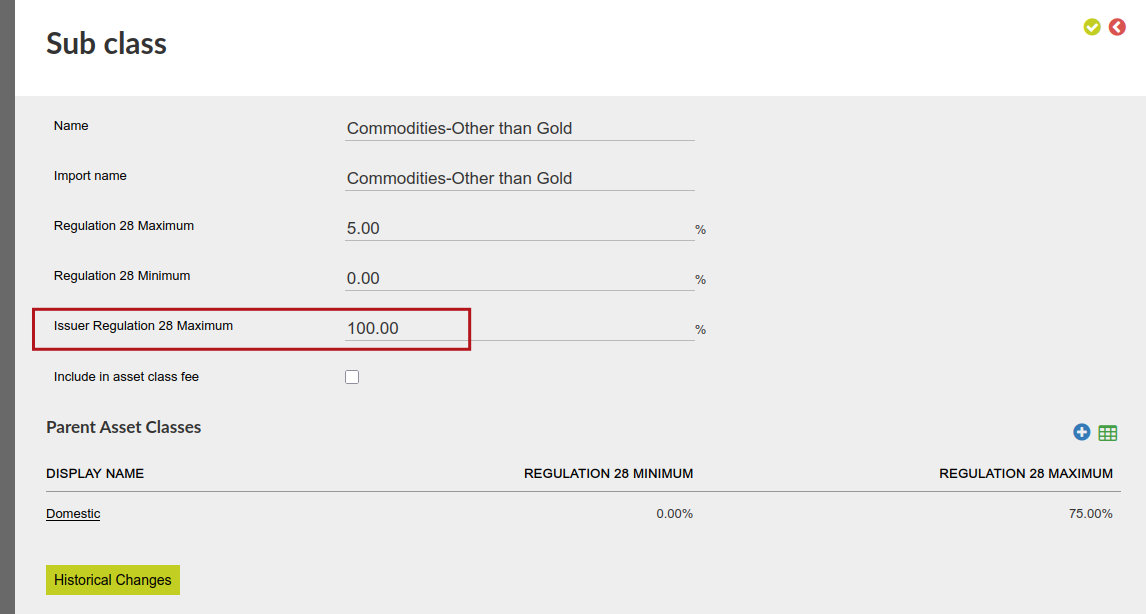
See an example of Regulation 28 issuer Asset classes Issuer Regualtion 28
Also see:
Asset Allocation on CIS and instruments without CIS – Intended Maximum Limits
Asset Allocation on CIS and instrument without CIS- Actual Asset Allocations
Regulation 28 for the setup and enforcement of Regulation 28
In some instances an issuer will only issue one instrument, while other issuers issue more than one instrument.
An issuer can be added on an instrument.
Go to an instrument:


Where the issuer only issues one instrument, no issuer needs to be added, and the instrument will be regarded as it’s own issuer.
Where one issuer issues more than one instrument, the issuer company needs to be created on the system if it does not already exist. The issuer company can then be added to all the instruments the company issues by using the ‘Change’ button next to Issuer.
Issuers can also be imported, changed and removed on an instrument (the issuer company needs to be setup on the system first to be able to add it to an instrument) 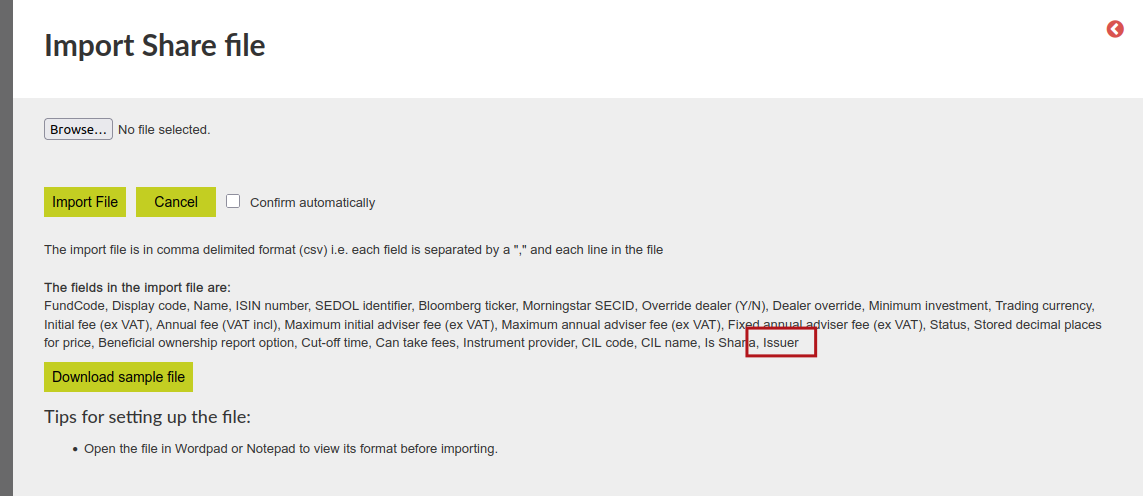
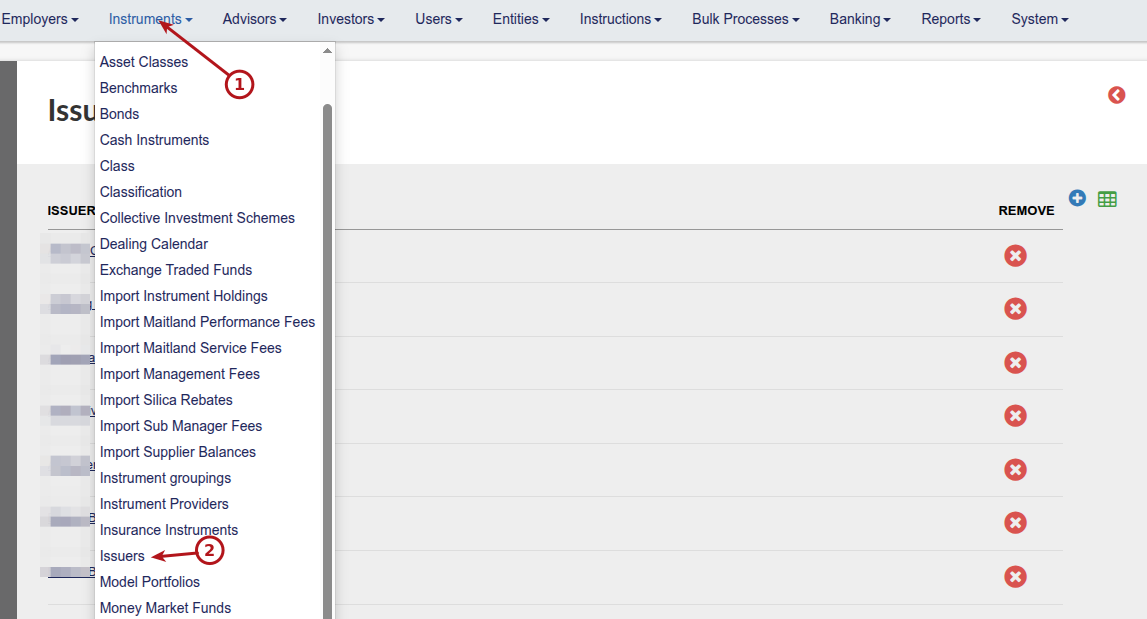
Under the the Instruments main menu a list of issuers will be displayed
Click on an issuer name to go to the issuer and see a list of all instruments linked to the issuer on the Issuer card
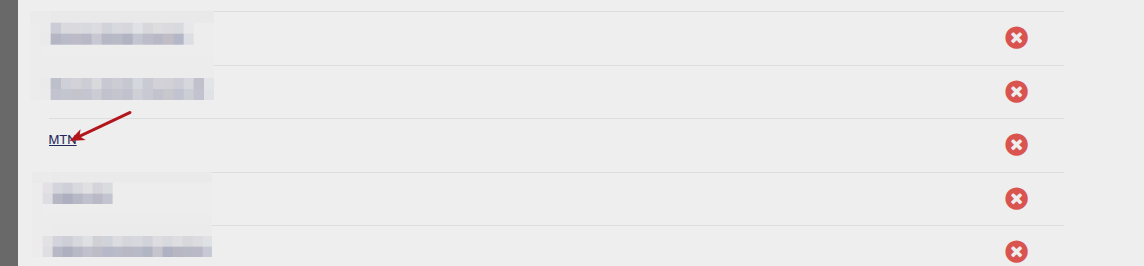
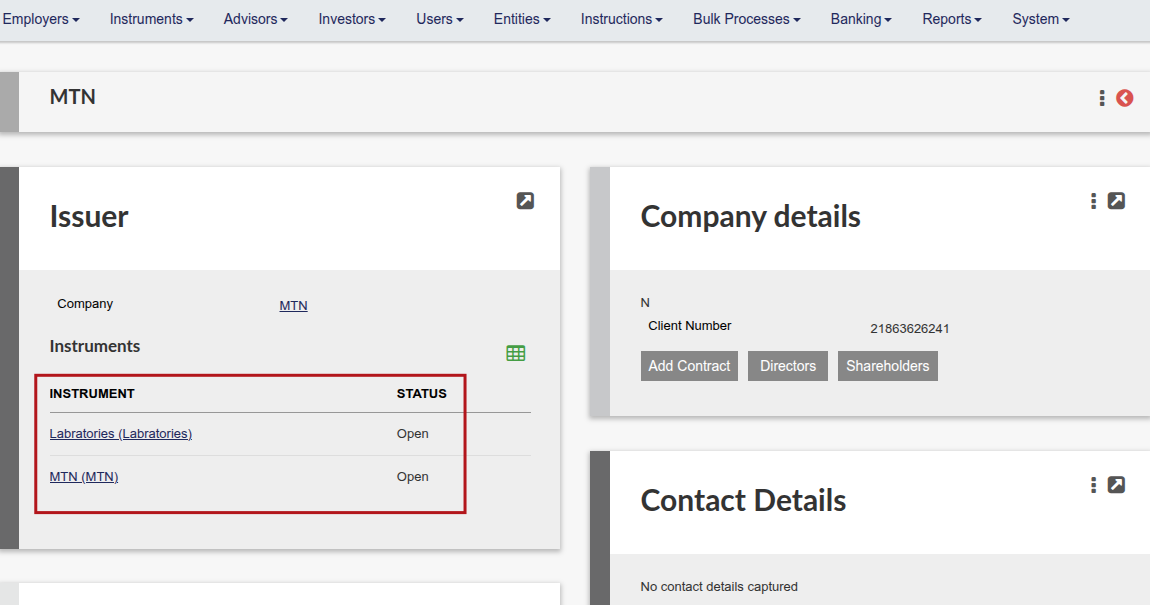
You cannot add/remove an instrument from this list, if you want to de-link the instrument, go to the instrument and change/remove the issuer.
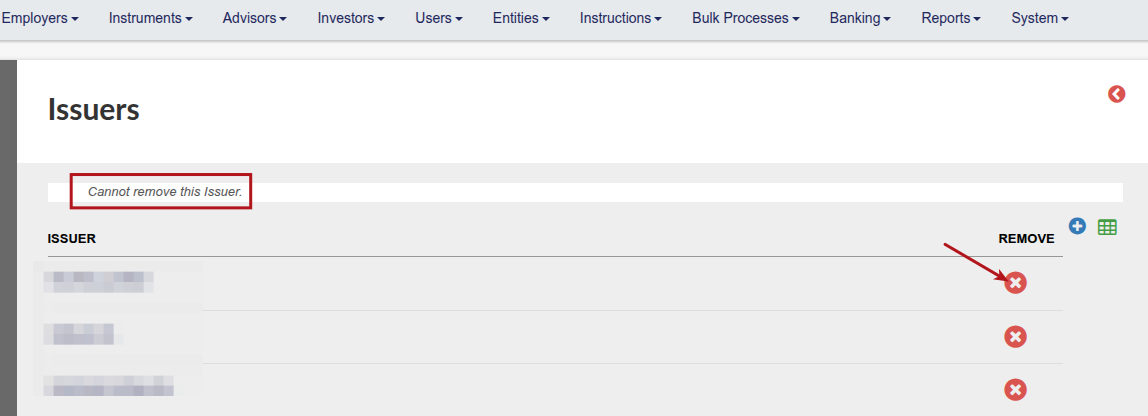
Issuers can not be removed from the Instruments->Issuers report while there are still instrument/s linked to the issuer
The system will calculate the exposure in the issuer by using the buy percentage * asset class percentage set up on the asset allocation for that instrument in conjunction with the current asset allocation on the contract before the investment instruction. We add up all the percentages per issuer and validate that it is <= regulation 28 max percentage. An instruction that exceed the limit cannot be submitted.
Last Updated on 1 month ago by Hayley Jerram