
Communication Card
The communication card include the following type of communication:
- Manual Communications
- User Messages
- Emails
- SMS’s
Communication Card – Summary
The Communication Summary Card will show the last communication received.
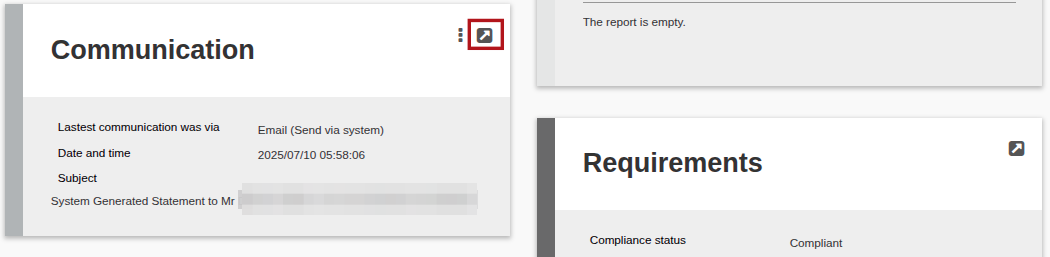
Communication Card – View Details
The view details will show more details with regards to the last communication.
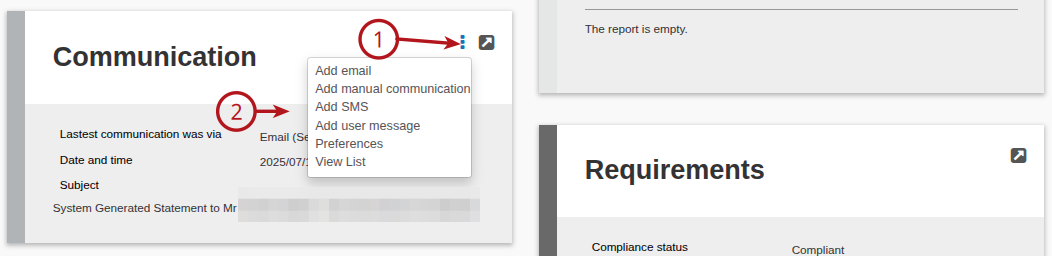
Communication Card – More Actions
On the Communication Summary Card navigate to (1) More Actions and (2) available are the following actions:
- Add email – Refer to Add email
- Add manual communication
- Add SMS – Refer to Add SMS
- Add user messages (Only available if the entity is also a user) – Refer to User Messages
- Preference – Refer to Communication preference
- View List – This will show a list of all the communications received. Note: From the All Communication Card you are also able to perform the actions below.
For more information refer to:
User Messages
Communication Preference
Card Settings on Investor Accounts
Sending transaction notifications
Last Updated on 1 year ago by Debra Hart